
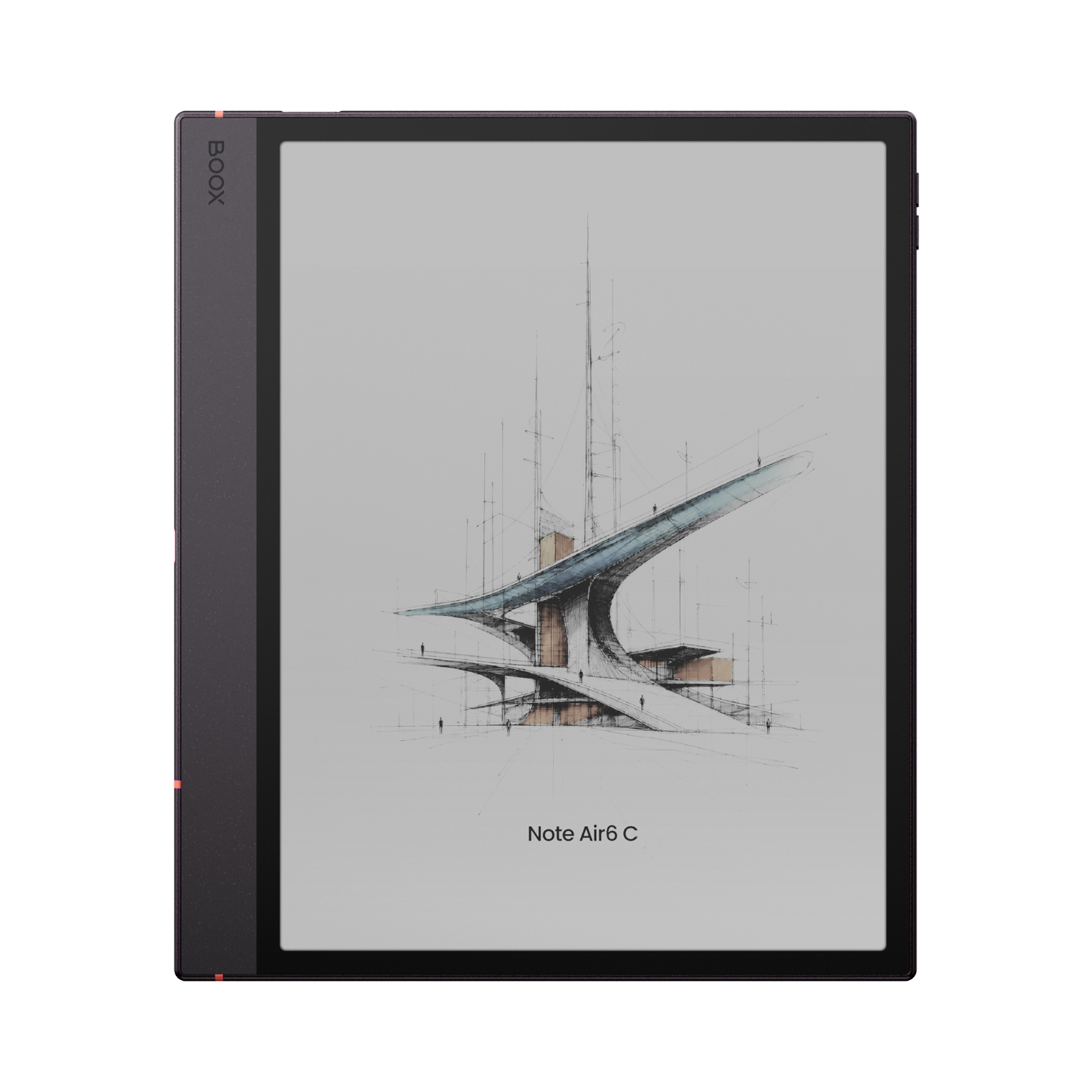
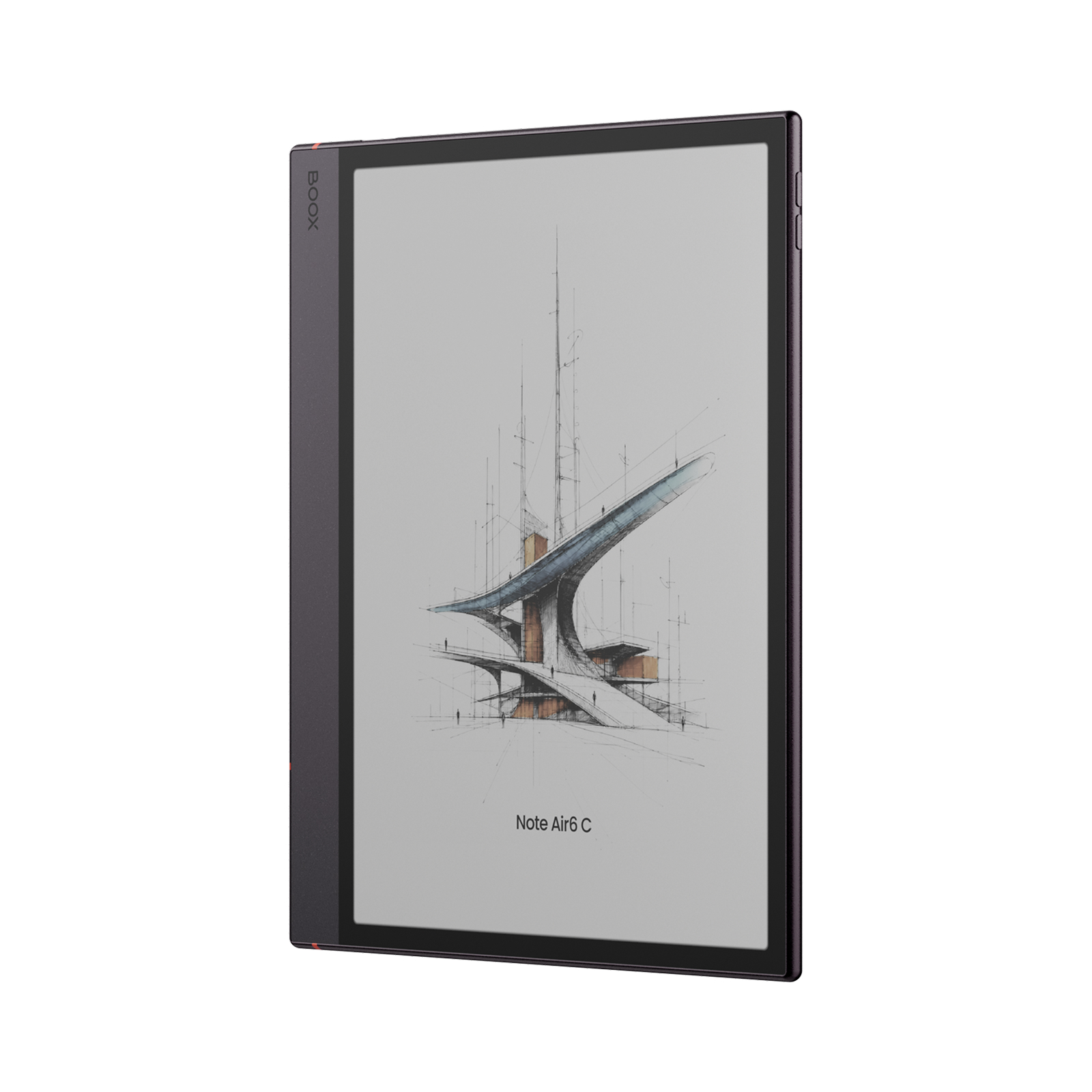
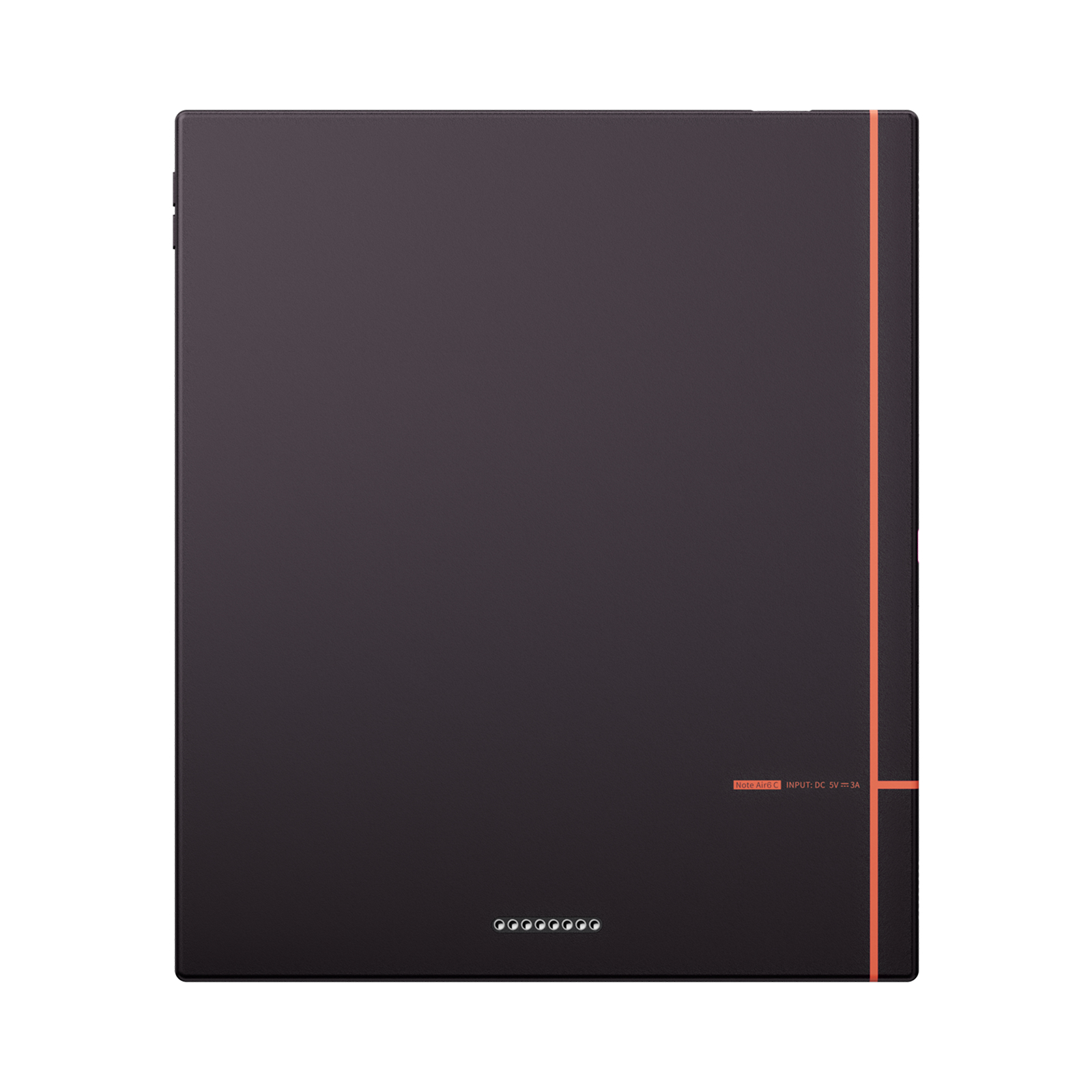
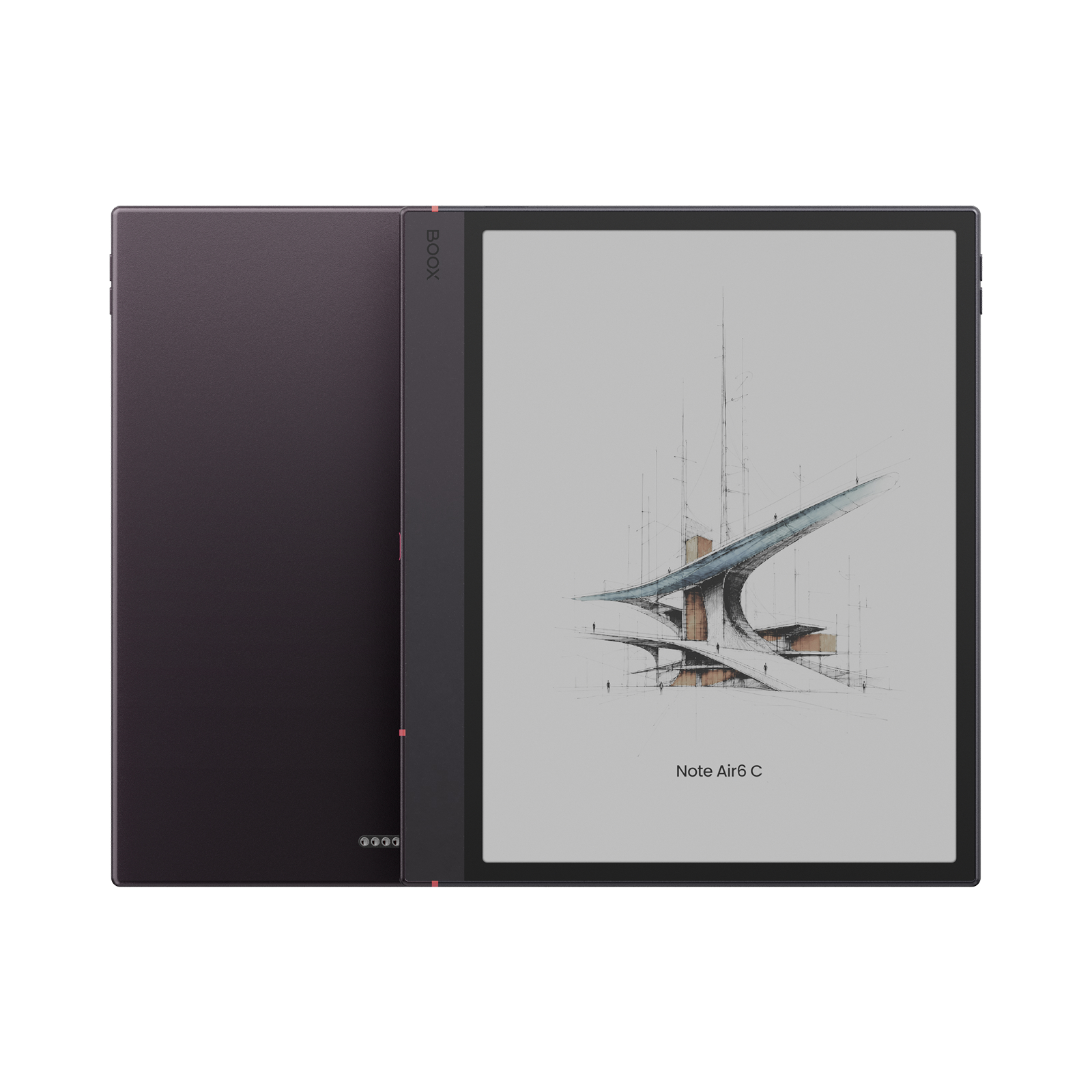
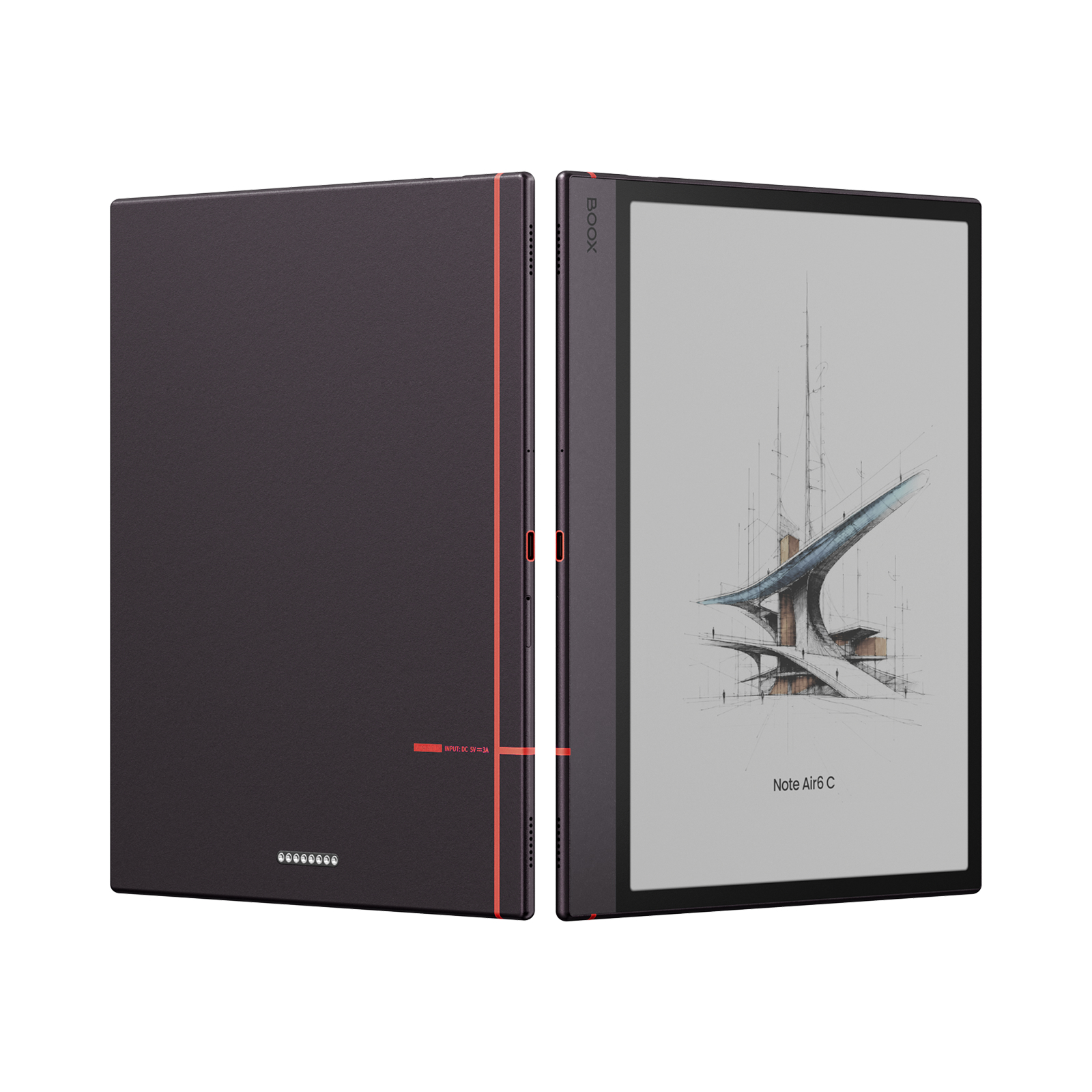


BOOX Note Air6 C, 10.3″ Color ePaper Notebook (64GB), Android 16
Price range: RM2,588.00 through RM3,608.00
BOOX Note Air6 C combines a 10.3-inch color ePaper display, Android 16, 6GB RAM and 64GB storage for reading, handwriting and focused work.
BOOX Note Air6 C
The 10.3-inch color ePaper notebook built to execute workflows.
Get the highlights.
- 10.3-inch color ePaper display with 4,096 colors
- Paper-like handwriting with Pen3 stylus support
- Android 16 with Google Play Store
- Upgraded 4 nm octa-core processor and BOOX Super Refresh
- 6GB RAM and 64GB storage
- microSD expansion up to 2TB
- Dual-tone front light
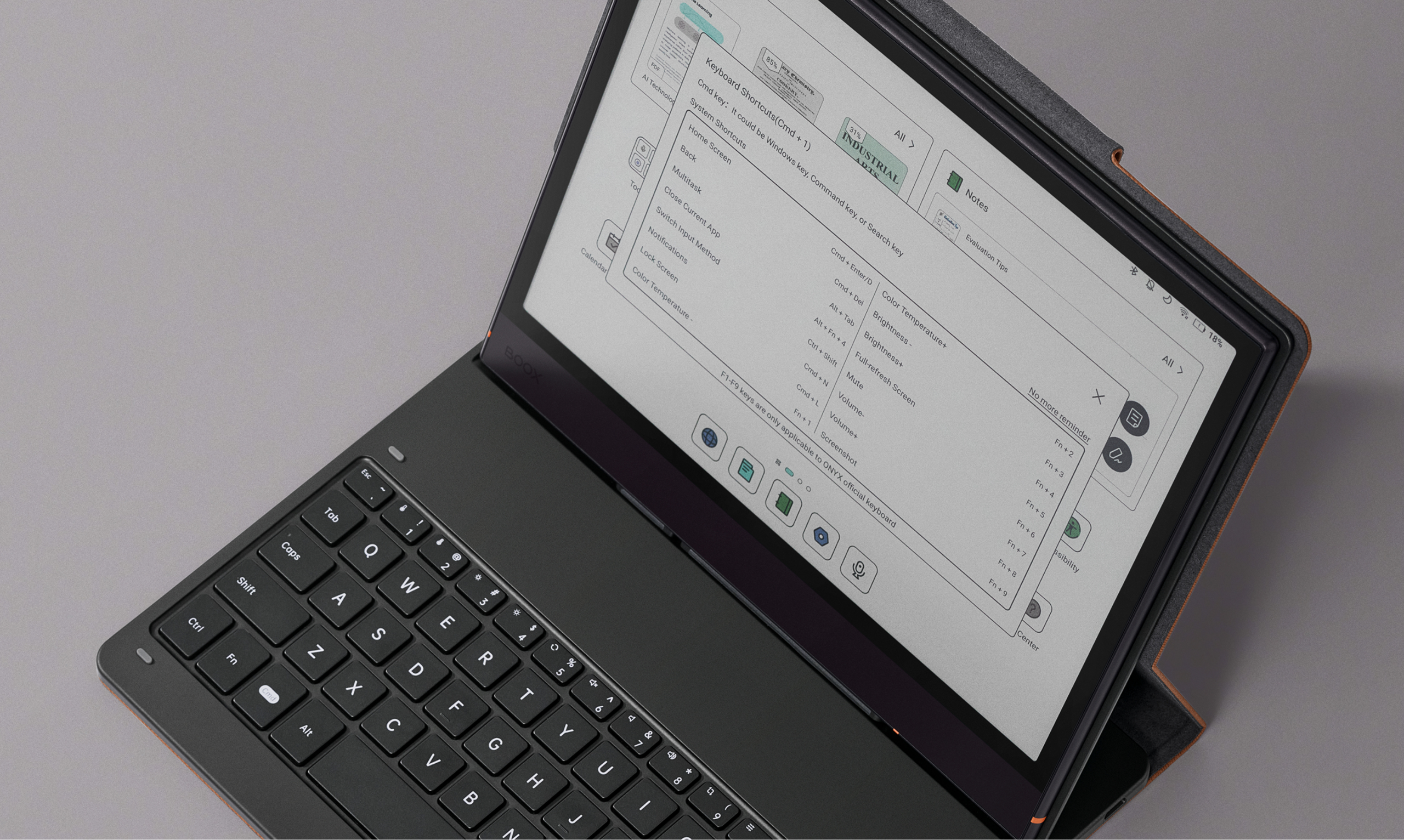
- Pogo-pin magnetic keyboard-cover support
Restful colors, deep focus.
The 10.3-inch color ePaper display brings 4,096 soft hues to your reading and writing. The textured surface adds natural friction for handwriting and sketching.
Ink-on-paper writing feel
Write as if on real paper, with a textured surface that gives control for handwriting and sketching.
Dual-tone front light [1]
Switch between cool daylight and warm amber tones, whether in bright libraries or during late-night study.

Academic excellence, achieved with ease.
Note Air6 C pairs an upgraded octa-core processor built on a 4 nm process [2] and 6GB RAM with proprietary BOOX Super Refresh Technology [3]. Work across academic apps while reading data-heavy color PDFs and charts.
Instant access to heavy documents
Open large scanned, color-illustrated textbooks and move between pages, zoomed details and annotations.
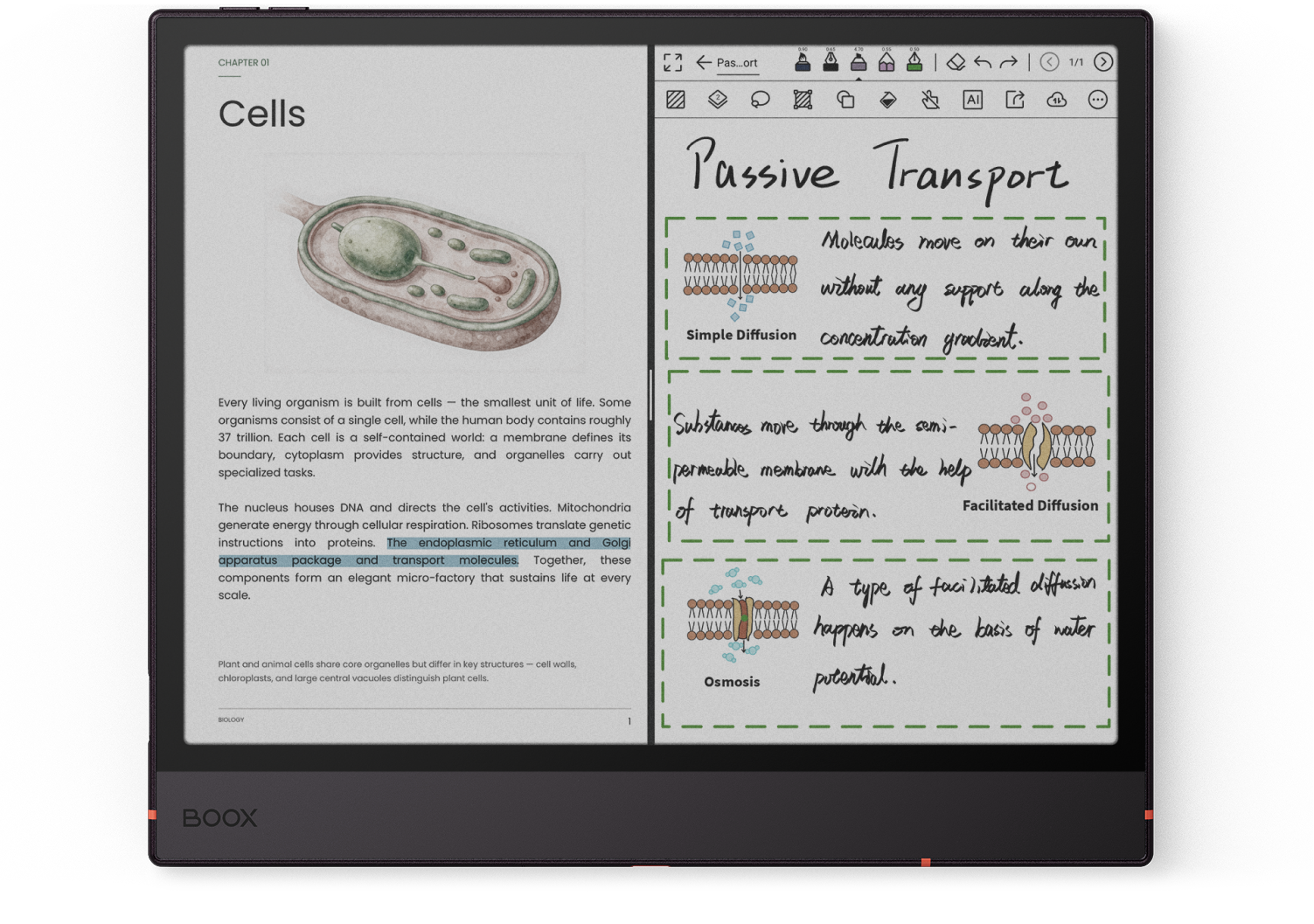
Multitasking for research workflows
Cross-reference with split-screen view. Capture literature and link insights while keeping your study tools together.
Smart recognition
Use OCR and supported AI features to spend more time capturing inspiration and developing critical thoughts.
Distraction-free typing
Connect the magnetic keyboard cover to draft papers and organize academic discussions.
Where knowledge takes form.
Turn scattered notes into structured knowledge. Capture paper annotations, map research frameworks, synthesize sources and surface core insights.
Distill intellectual findings
Structure notes with Outline, Tags and Search. Synthesize insights with Dual Notes [4] in split-screen view.
Map frameworks
Use a versatile brush set [5] and layouts from the Template Hub [6] to organize your knowledge system.
Reference without limits
Carry literature and notebooks with 64GB storage and microSD expansion of up to 2TB.
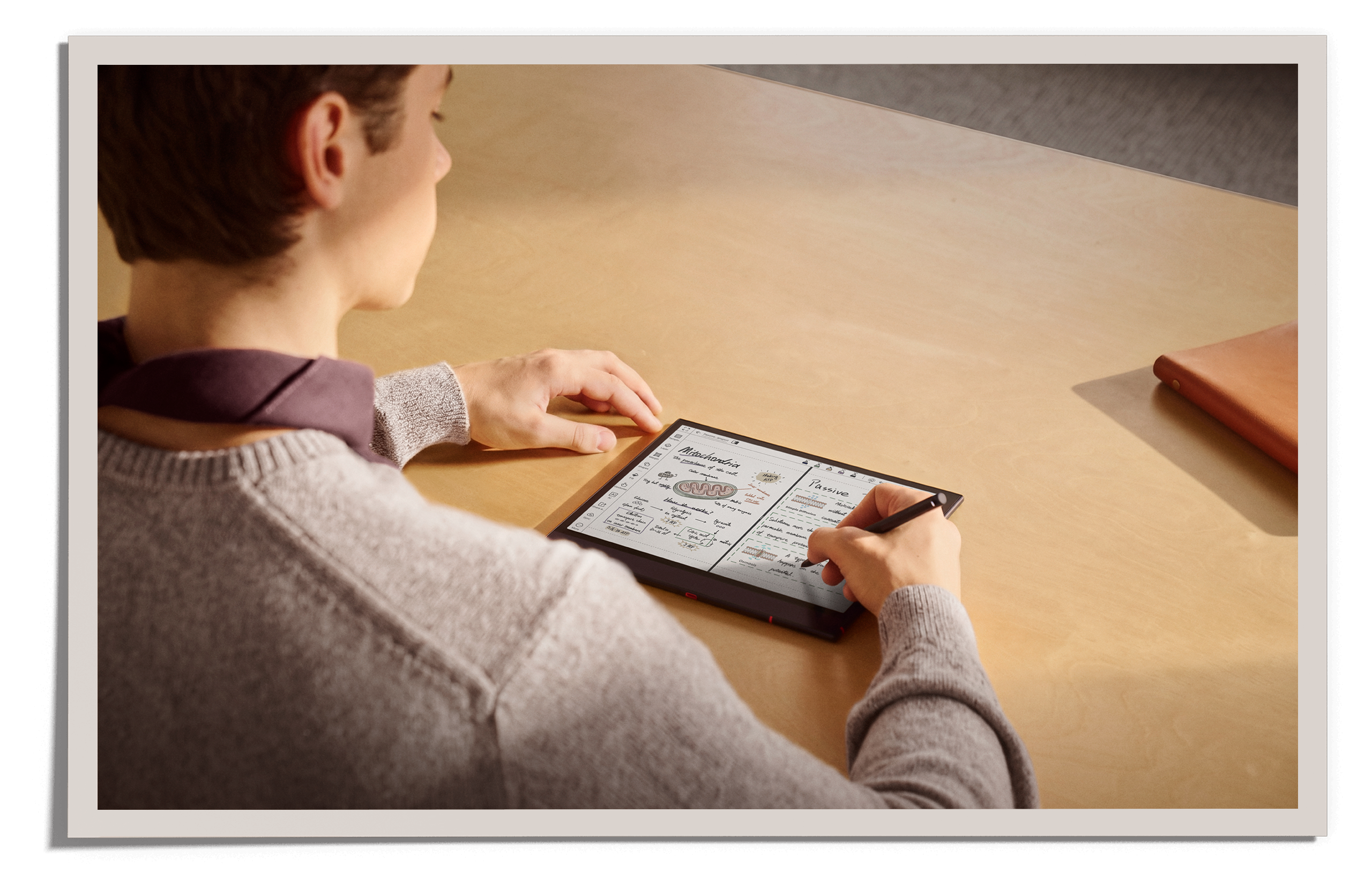
Major in note-taking, think with you.
From rough formulas to conceptual diagrams, refine your notes with versatile writing tools.
Brushes
Choose from seven brush types with adjustable stroke widths and colors.
Shapes
Create precise lines, rectangles, circles and polygons for clearer diagrams.
Lasso [7]
Edit notes, convert handwriting to text and send meeting points to your calendar.
Smart Scribe
The AI Smart Scribe toolkit reduces repeated tool-switching so you can stay focused.
Stay on track, without scrambling.
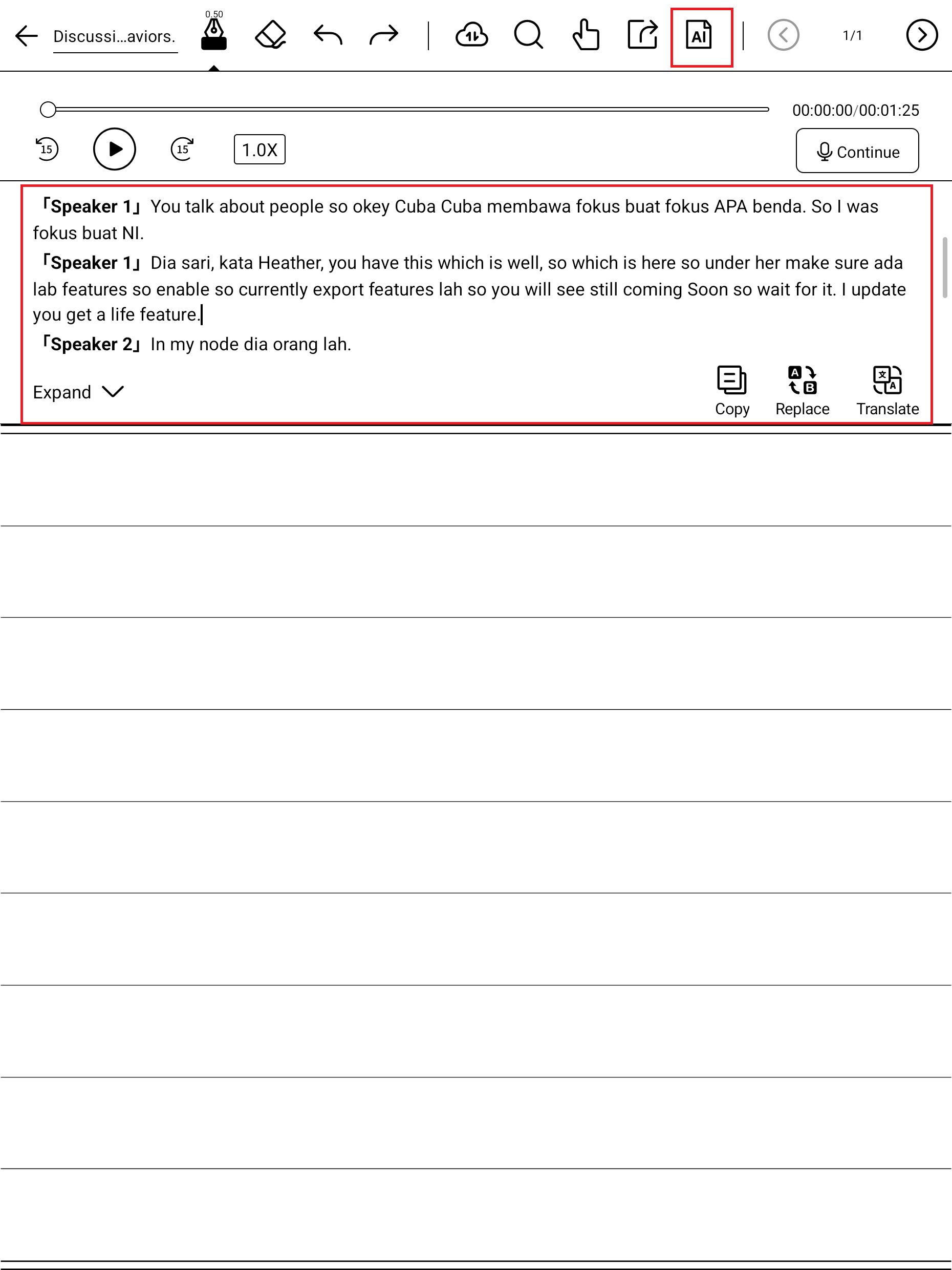
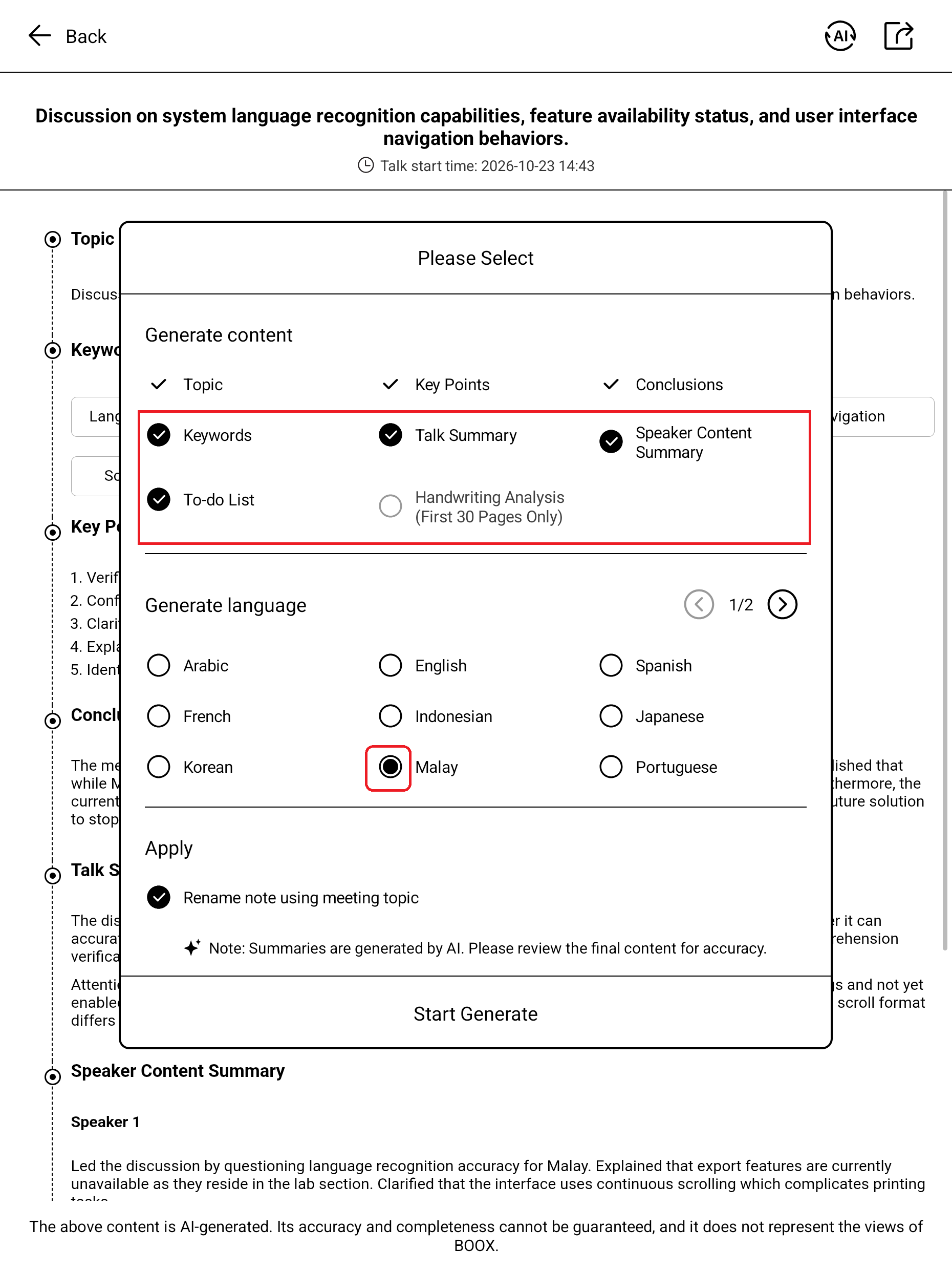
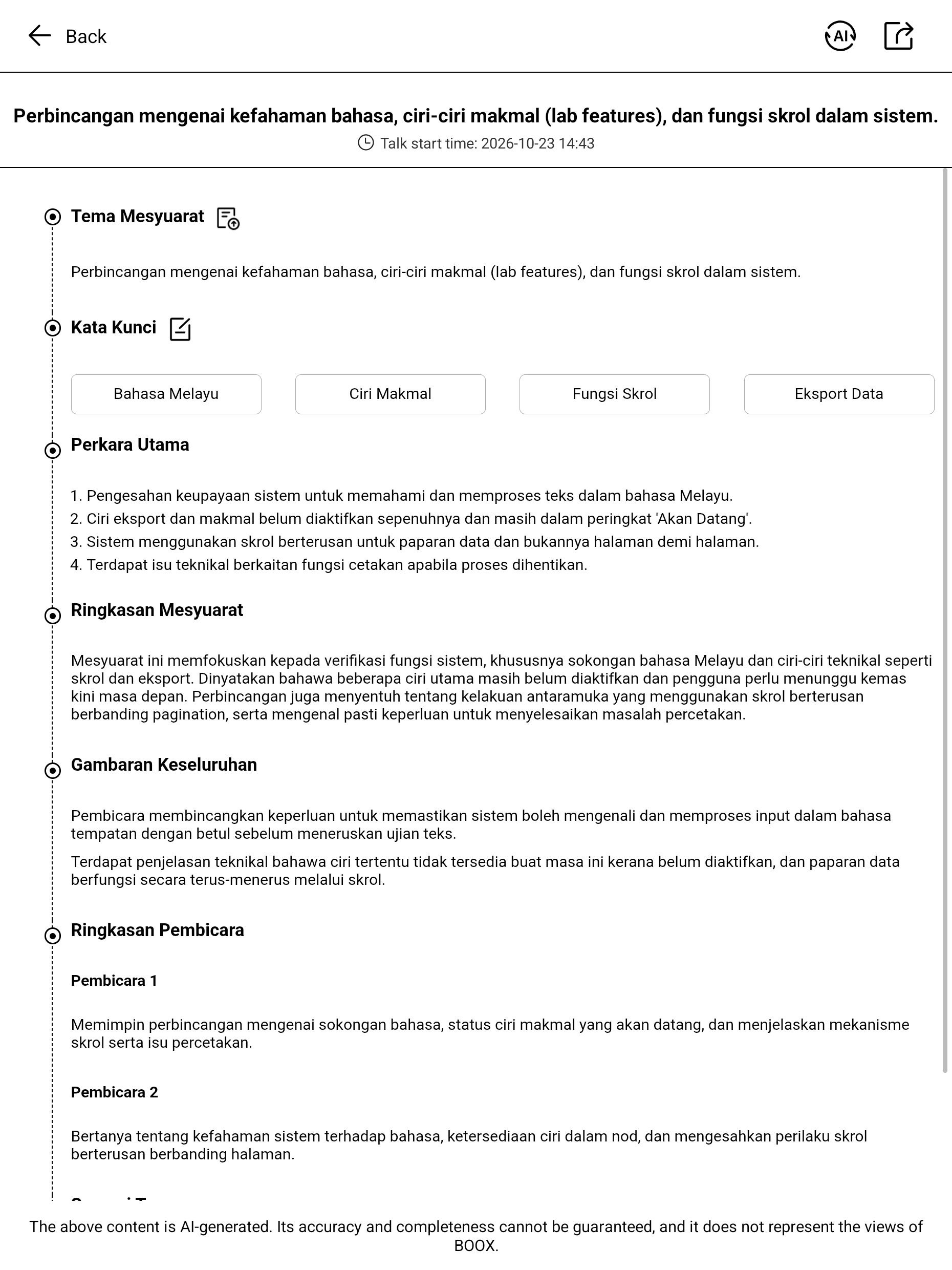
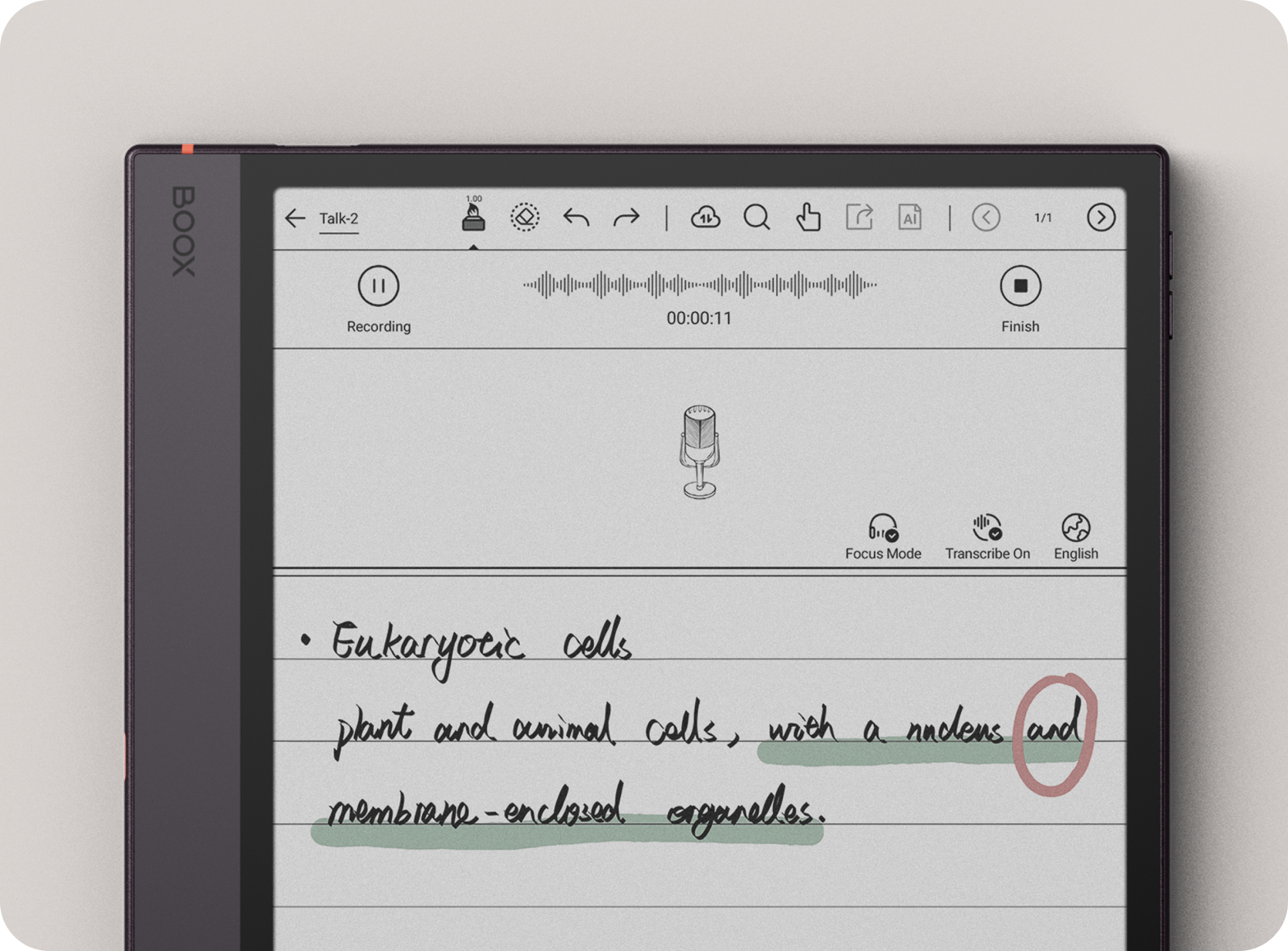
Talk Insights [8] supports real-time transcription in selected languages and regions, helping you follow discussions and thesis-advising sessions.
Capture
Record and write key words at the same time. Start or pause recording during a meeting, and use Focus Mode to hide the scrolling transcription.
Transcribe
For universal transcription of recording from BOOX NoteAir6C with Gemini Notebook, learn more here. Transcribe, export to TXT or share with a QR code.
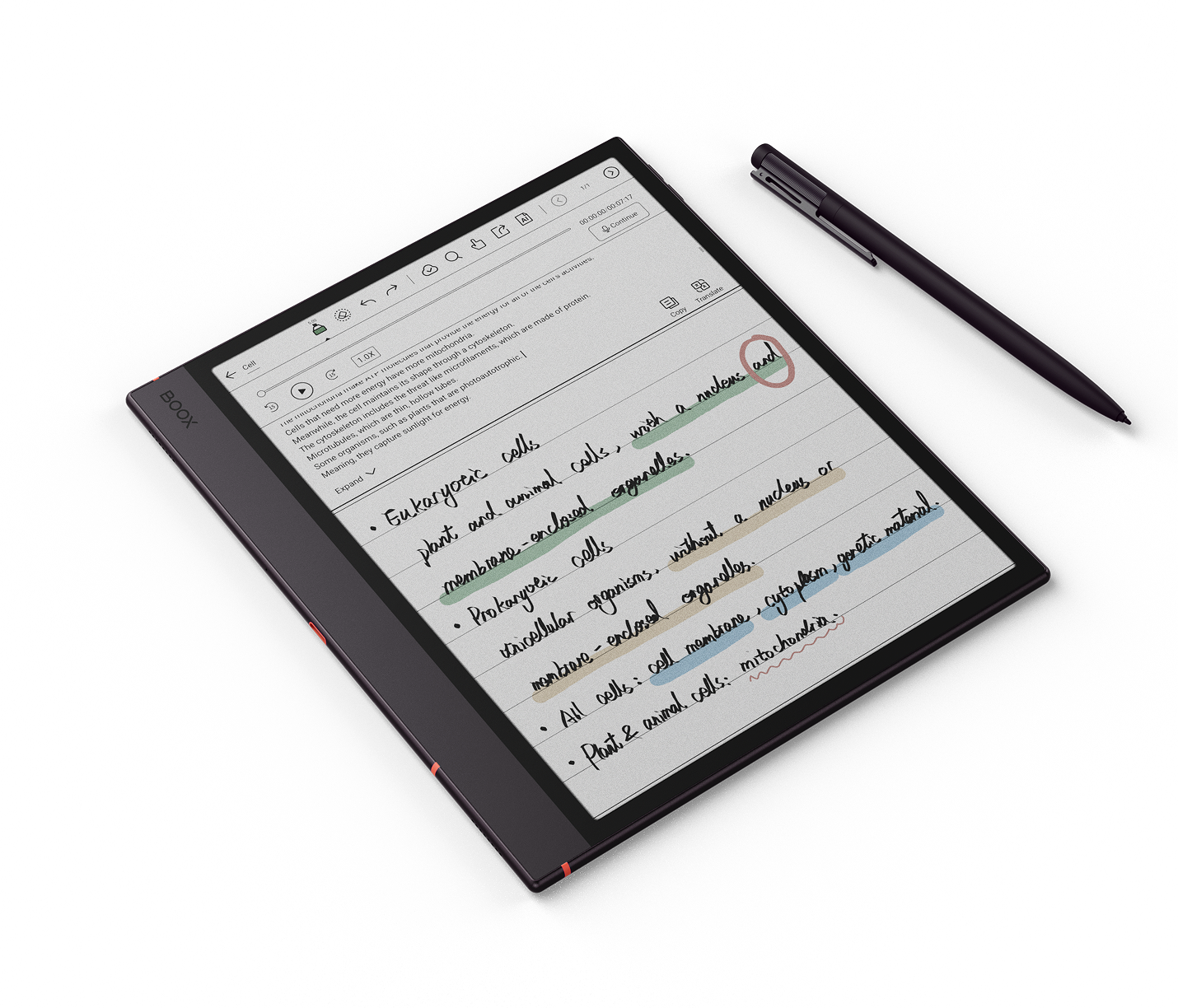
Summarize
Generate structured meeting minutes and export to PDF or TXT for your study group.
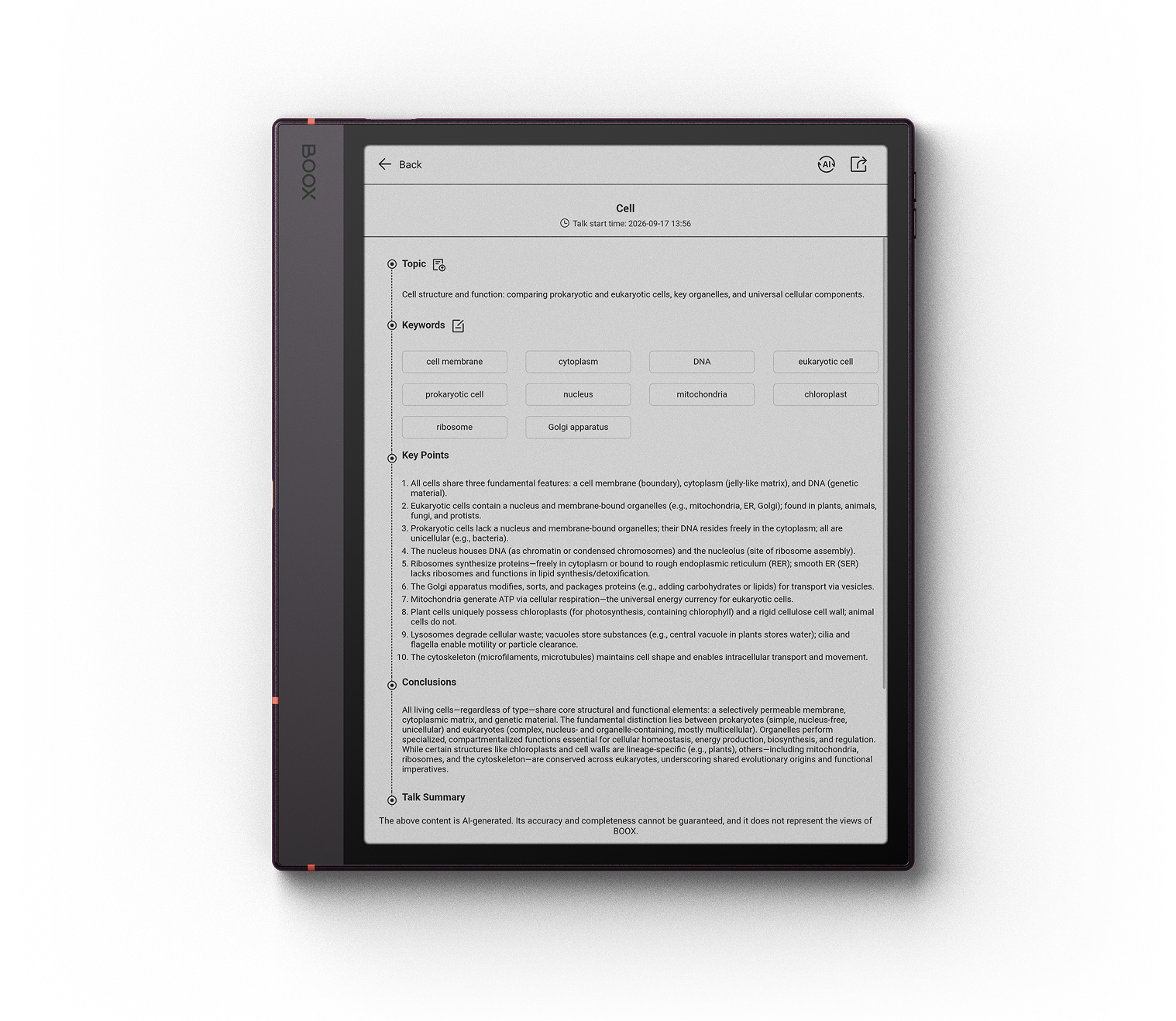
Regional availability: Talk Insights requires internet access and the latest BOOX firmware. It is available only in selected regions and languages; Malaysia availability is not confirmed in the supplied product information. See note [8].
For textual depth, page by page.
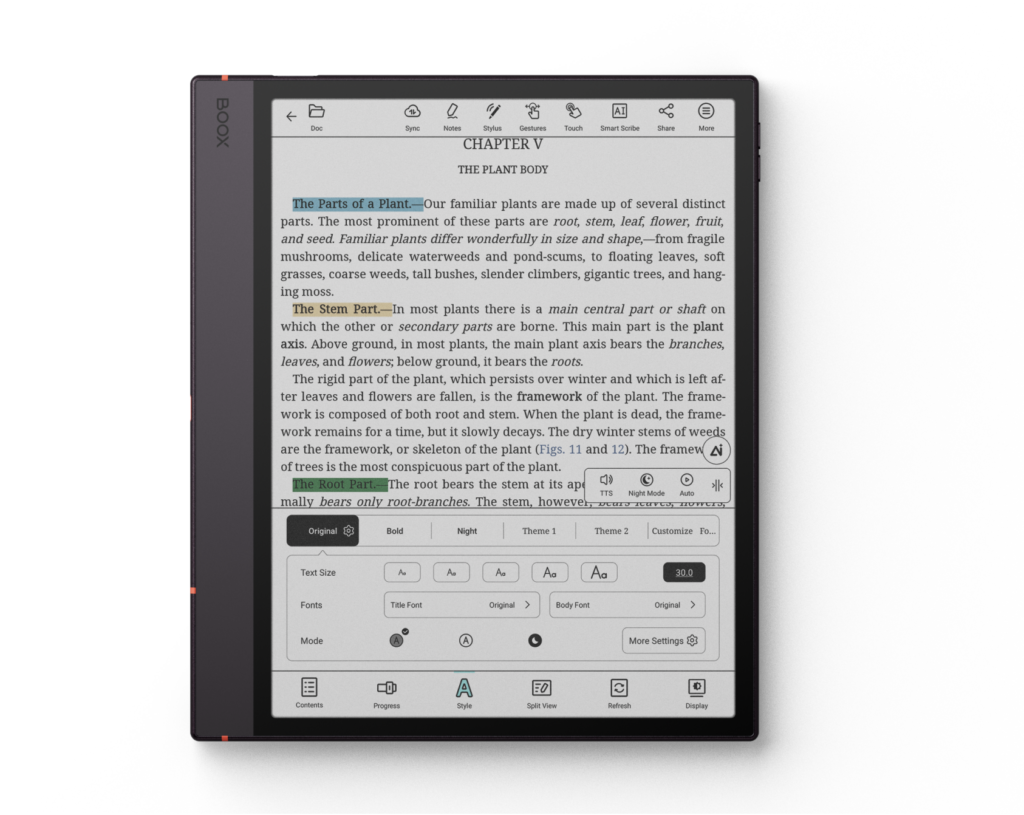
NeoReader tools help turn complex documents into clear, actionable knowledge, from dense papers to colored charts.
Consume with intention
Highlight or underline core arguments and write margin notes directly on supported document formats [9].
Flexible reading settings
Customize fonts, margins and layouts, and switch to Dark Mode [10] for a different reading experience.
Gain contextual insights
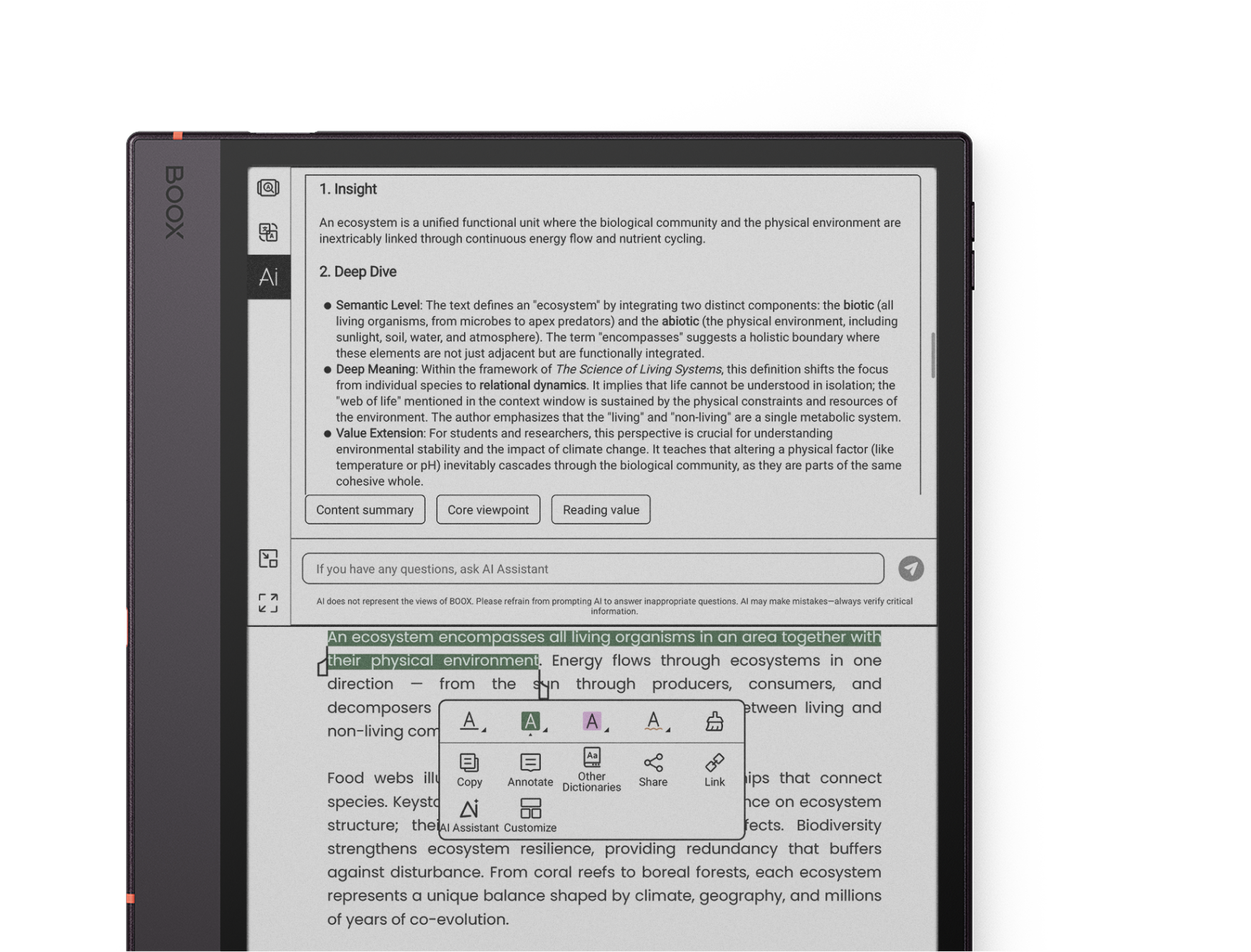
The built-in AI Assistant [11] can help explain selected text or images, unfamiliar terms and complex theories.
Get ready with your unique study hub.
Personalize your ePaper notebook for learning, self-growth and downtime.
Android 16
Download third-party apps through the Google Play Store.

Smooth Mode
Optimized algorithms reduce visual lag for a smoother ePaper experience.
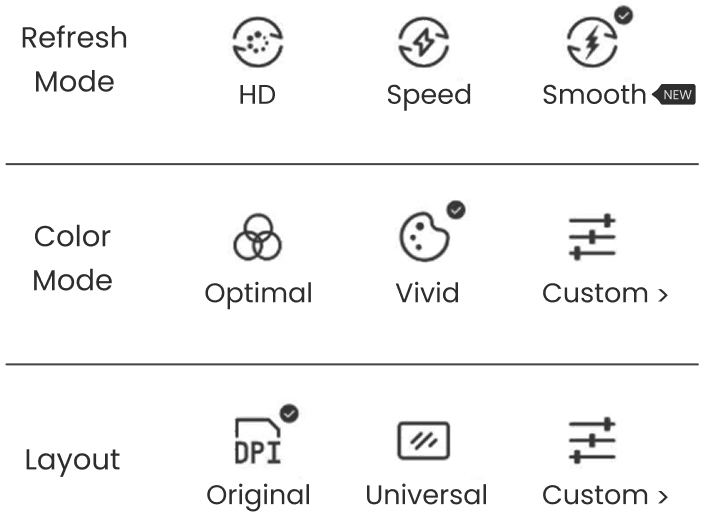
EinkWise Code [12]
Apply ePaper settings for text reading, color PDFs and online research.
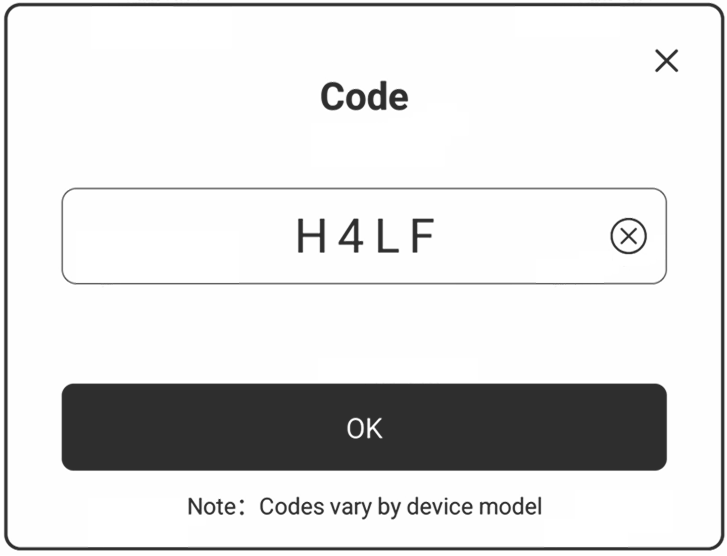
Seamless learning for productivity.
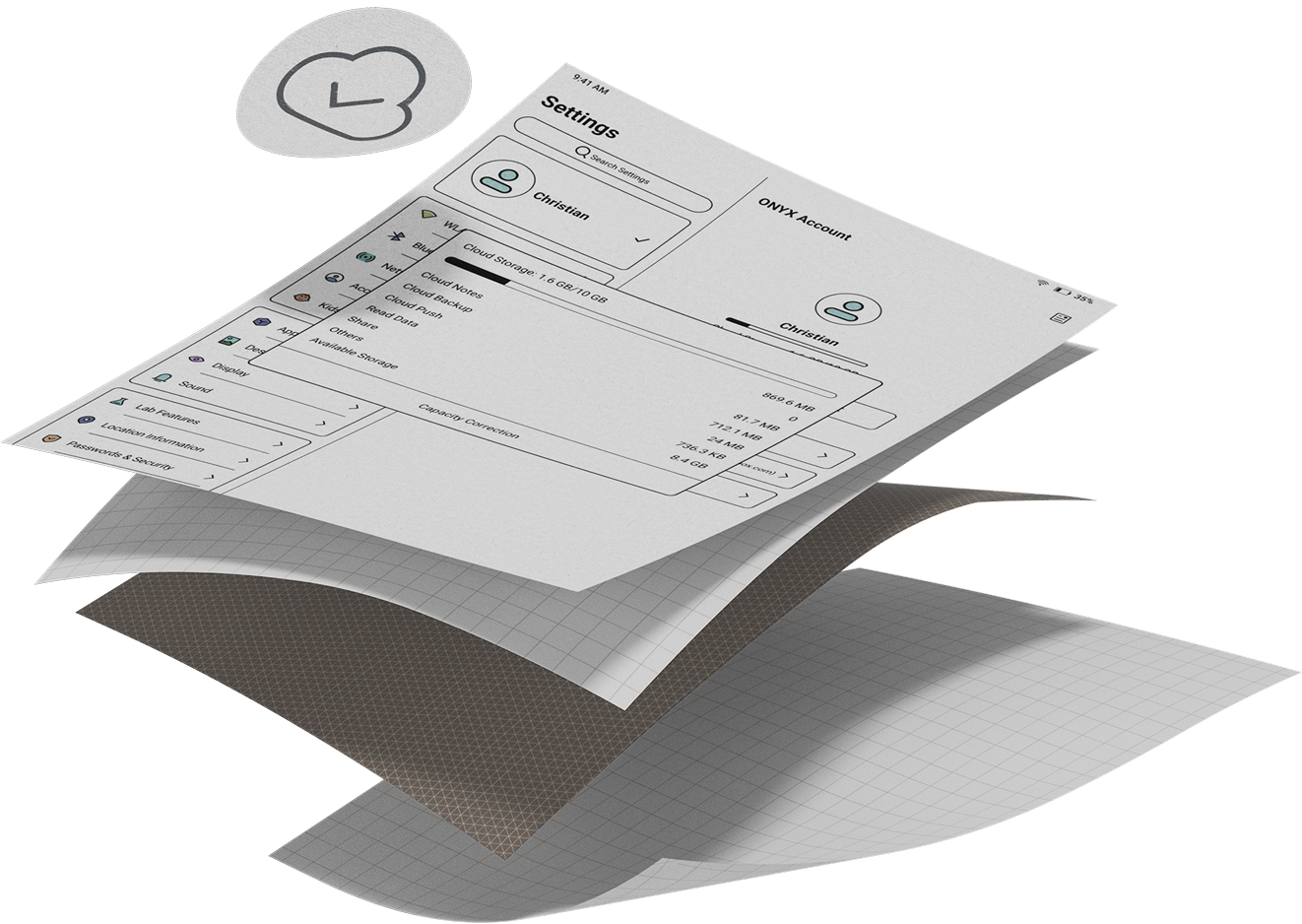
Build your digital knowledge system with cloud backup, multi-device synchronization and third-party integration.
Third-party ecosystem ready
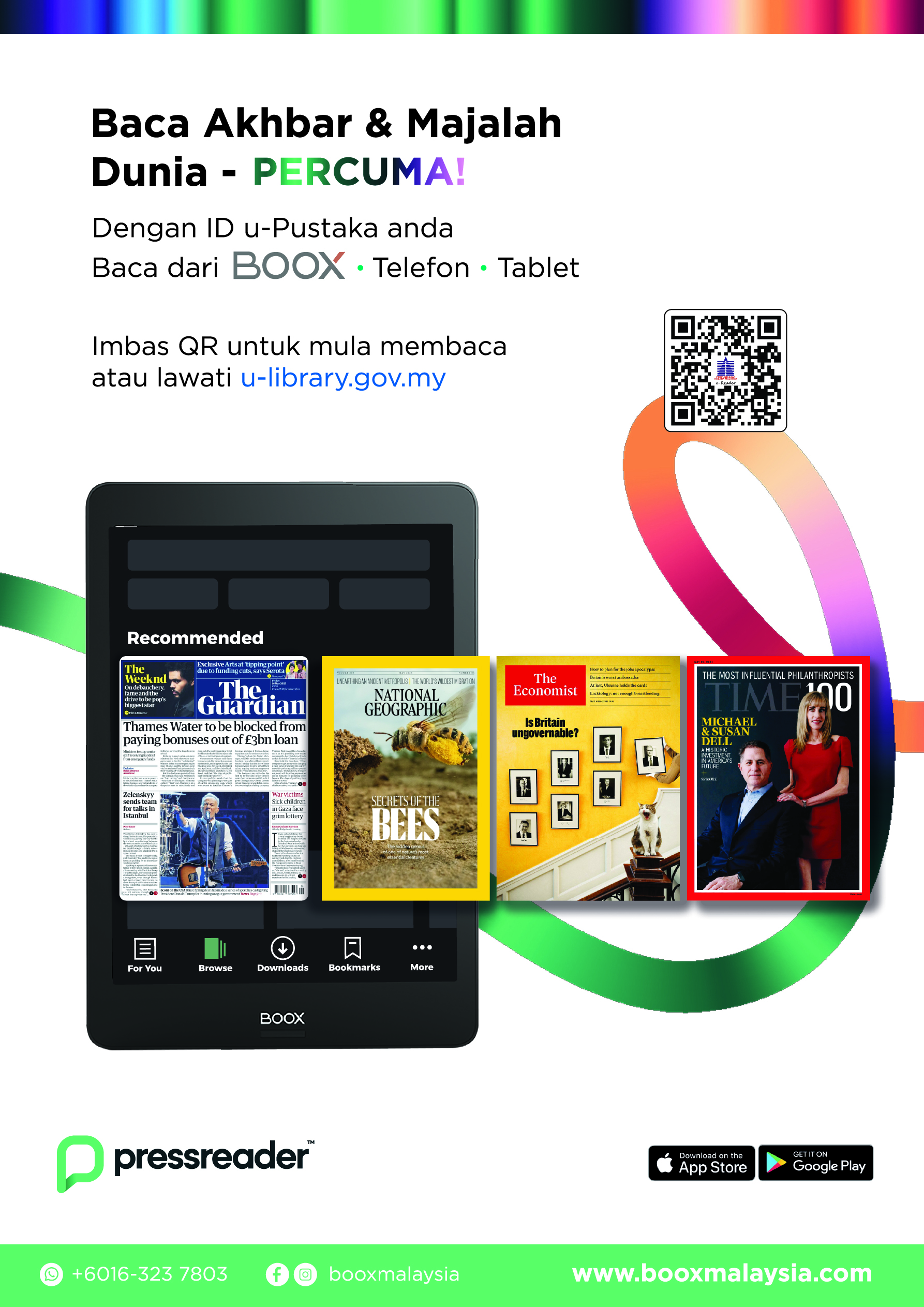
Integrate with services such as Google Drive, Readwise and Zotero to sync books and reading insights.
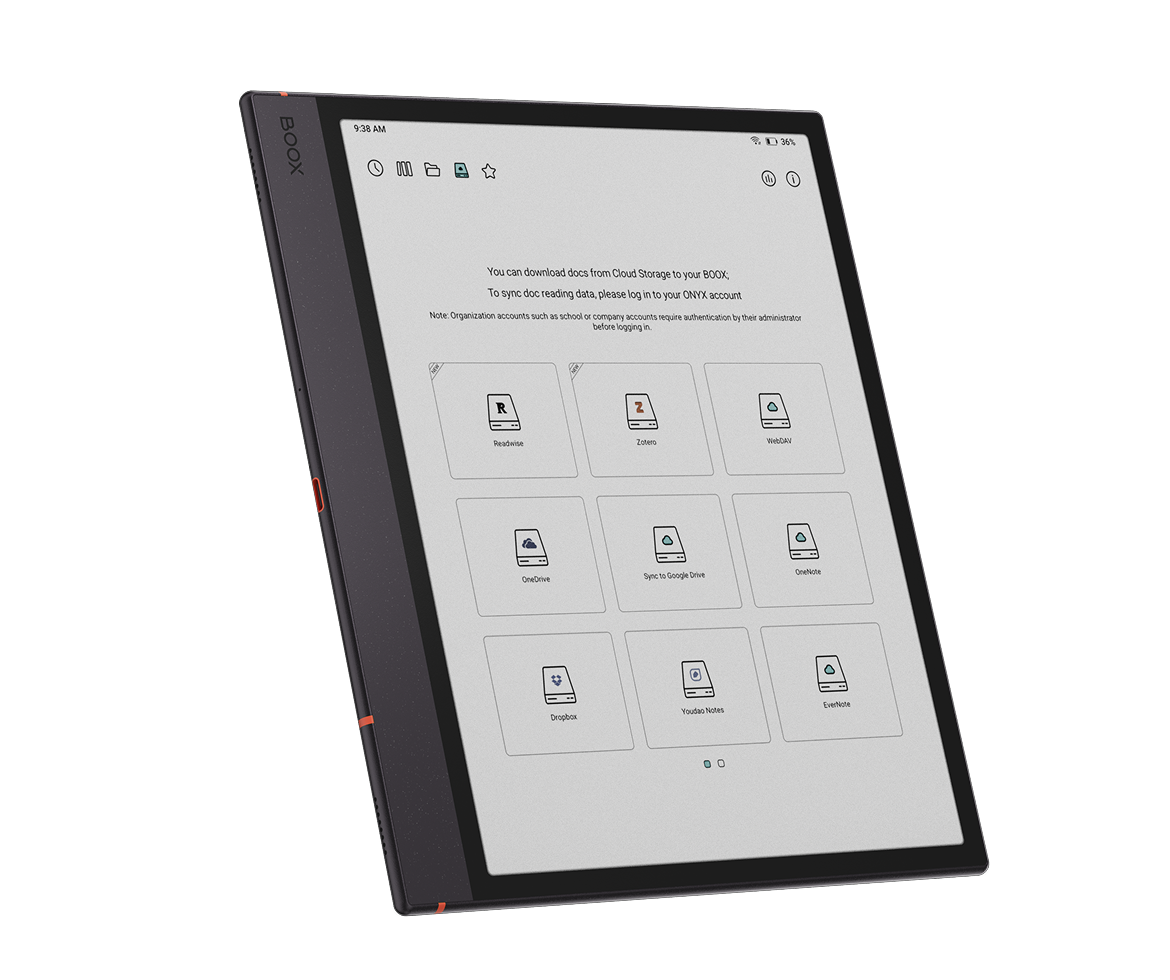
Plan your day in one place
Turn handwriting into tasks and organize your schedule with calendar sync in Calendar Memo [13].
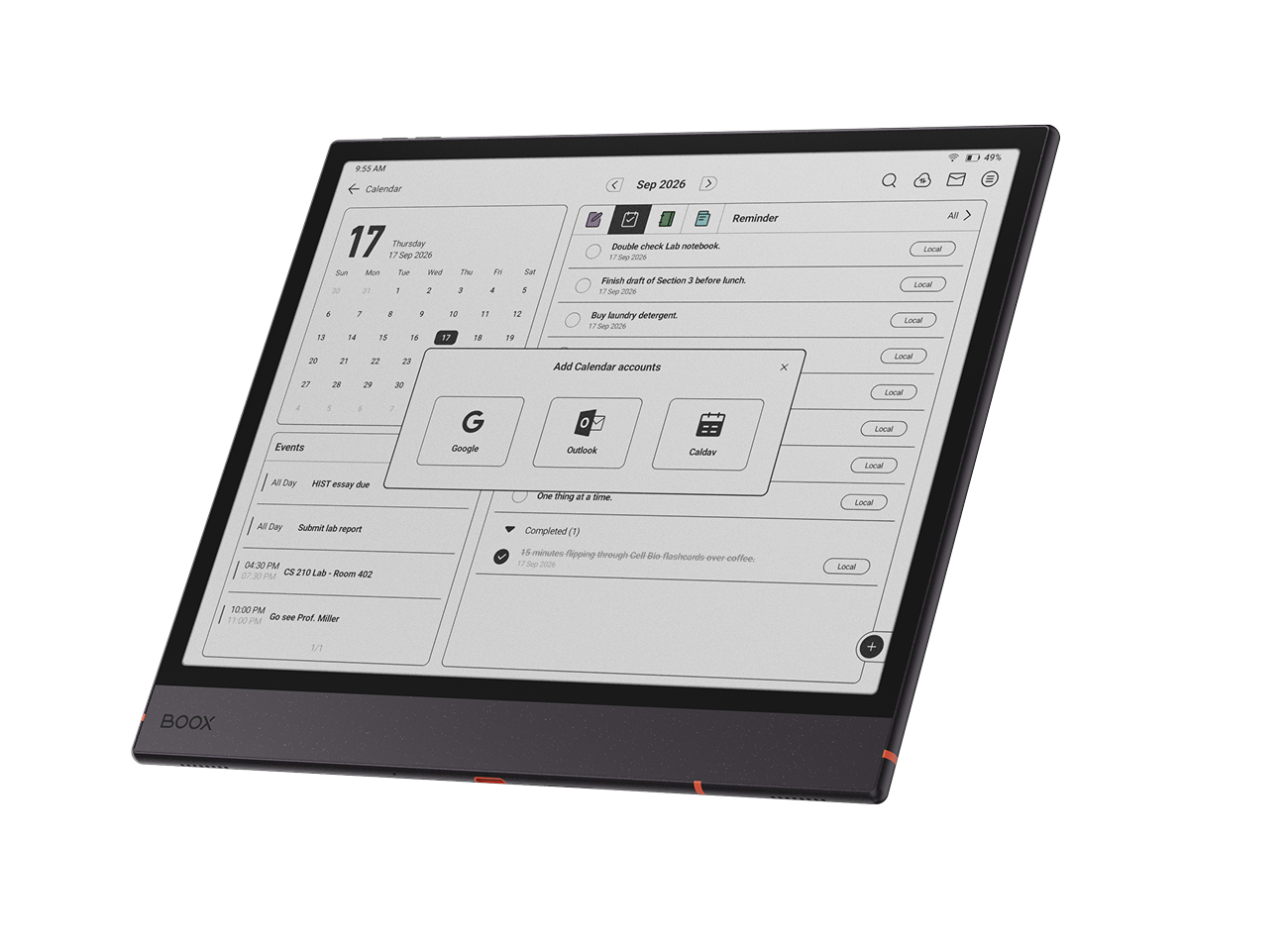
Cross-device wireless transfer
Transfer notes, documents and images with BOOXDrop [14]. Use BOOXDrop Screen Mirroring for presentations and brainstorming.
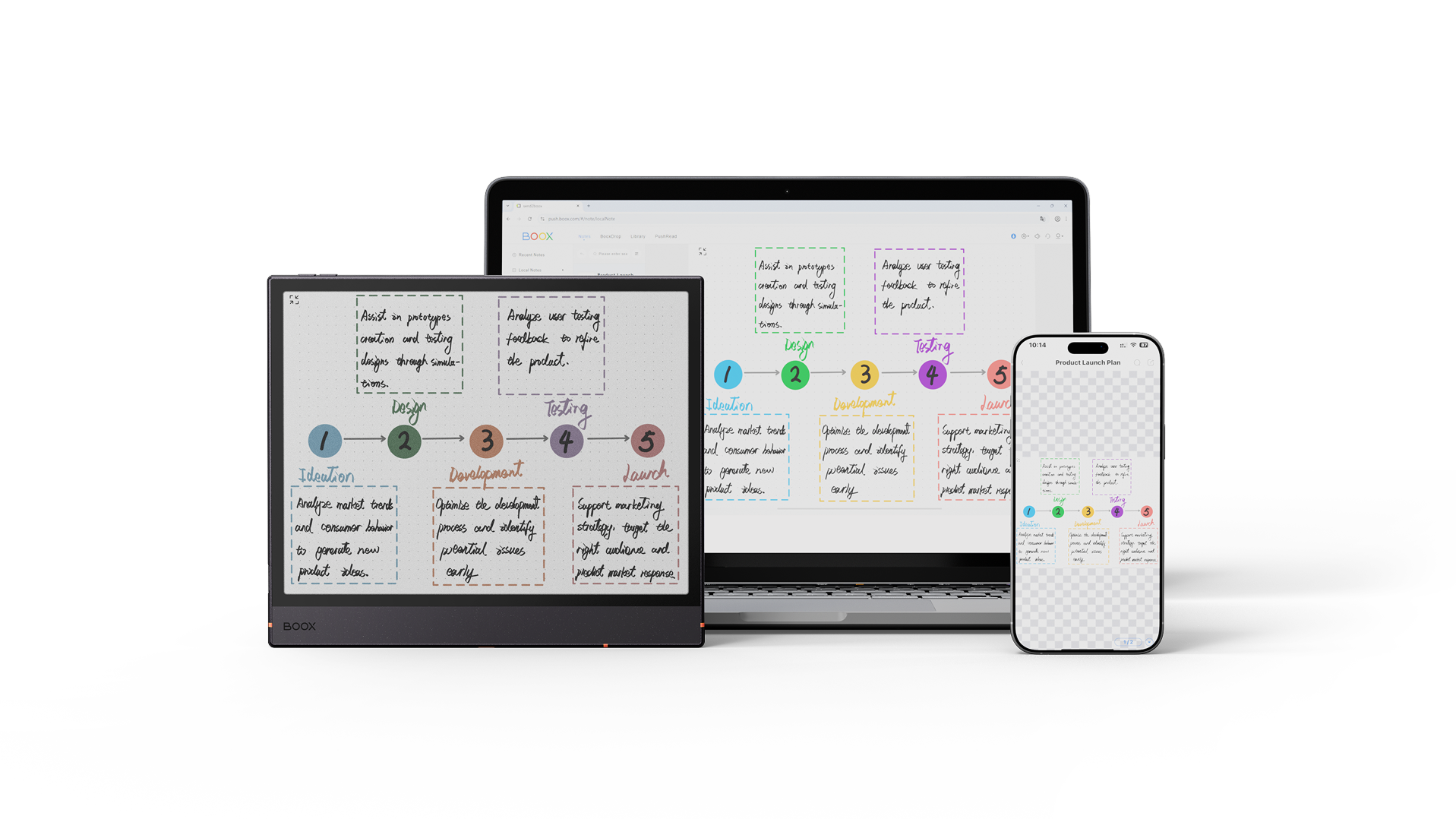
10GB cloud storage
Get 10GB of free Onyx cloud storage [15] for notes, book annotations and reading data.
Explore campus-ready accessories.
Choose the tools that fit the way you learn and work.
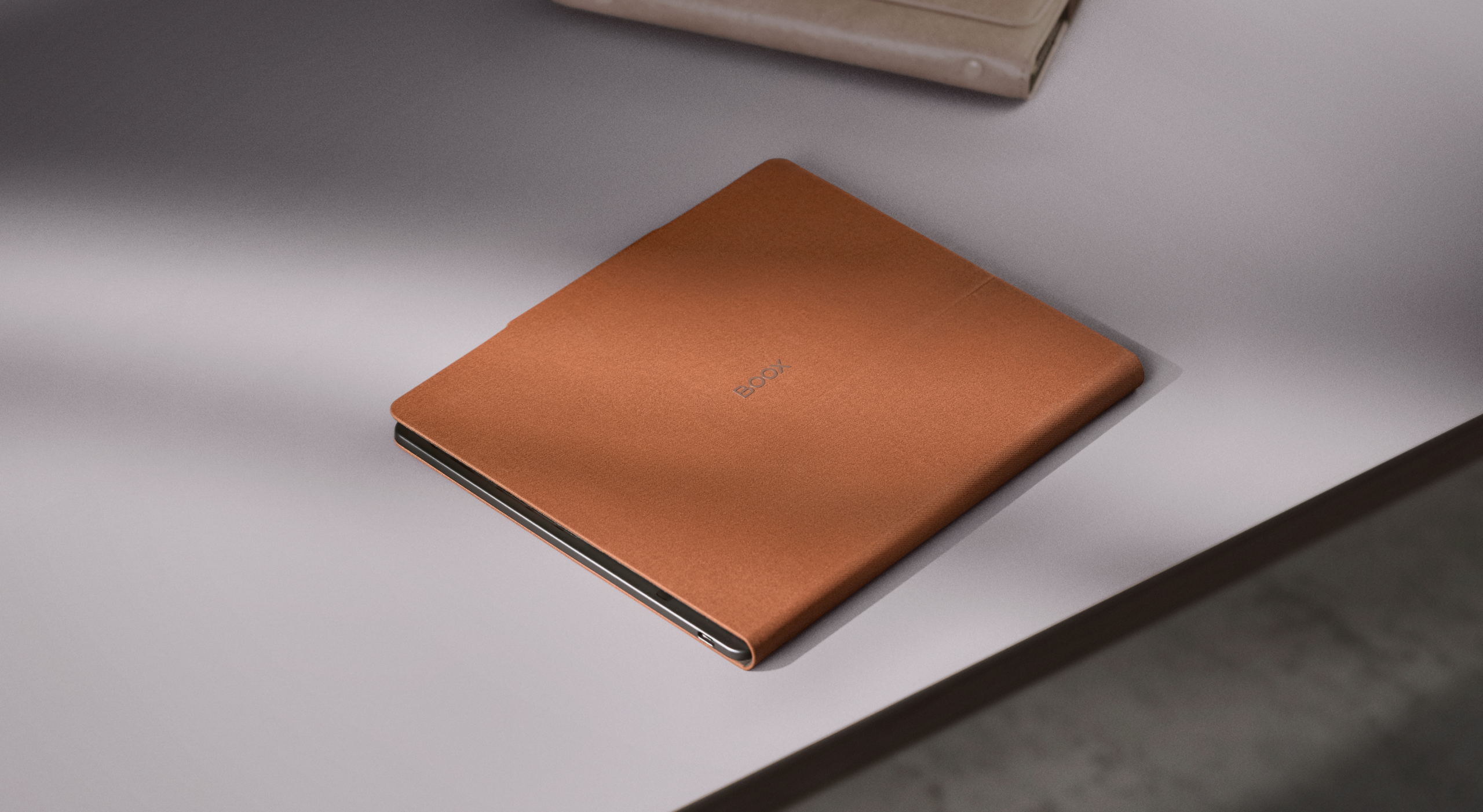
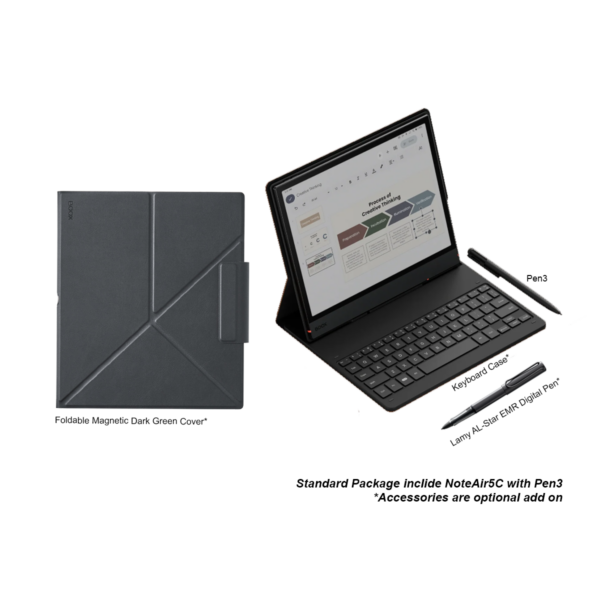
BOOX Magnetic Cover
A single-fold design supports portrait and landscape views for reading, sketching and browsing. Select the magnetic-cover package for RM2,788.
Pen3 stylus
Enjoy paper-like writing, 4,096 levels of pressure sensitivity, tilt sensitivity and magnetic attachment.
Magnetic Keyboard Cover
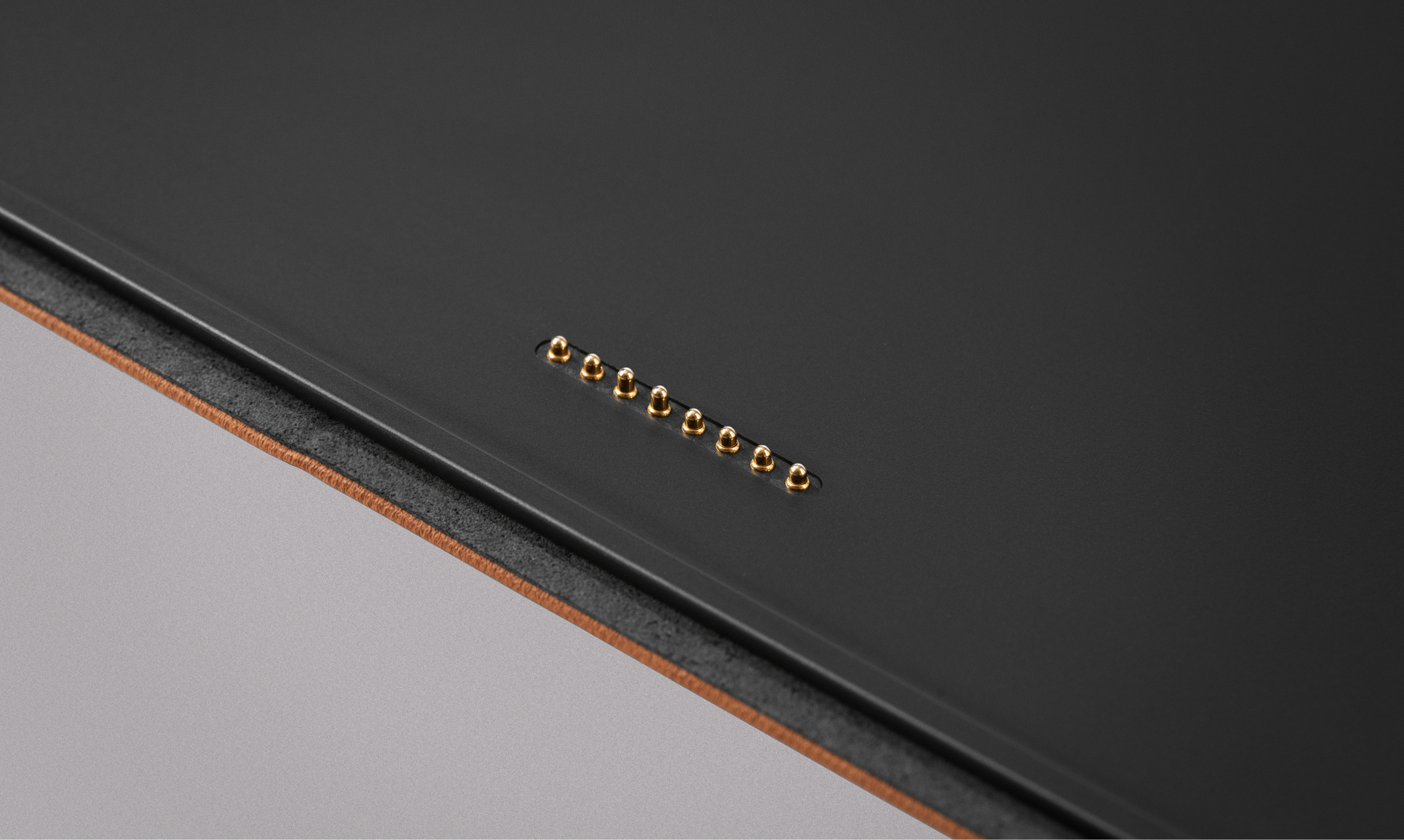
Connect through pogo pins for typing, and charge the tablet through the built-in USB-C pass-through port. Keyboard-cover pricing is separate from the two listed packages.
Magnetic Keyboard Cover for Note Air6 C / Note Air5 C
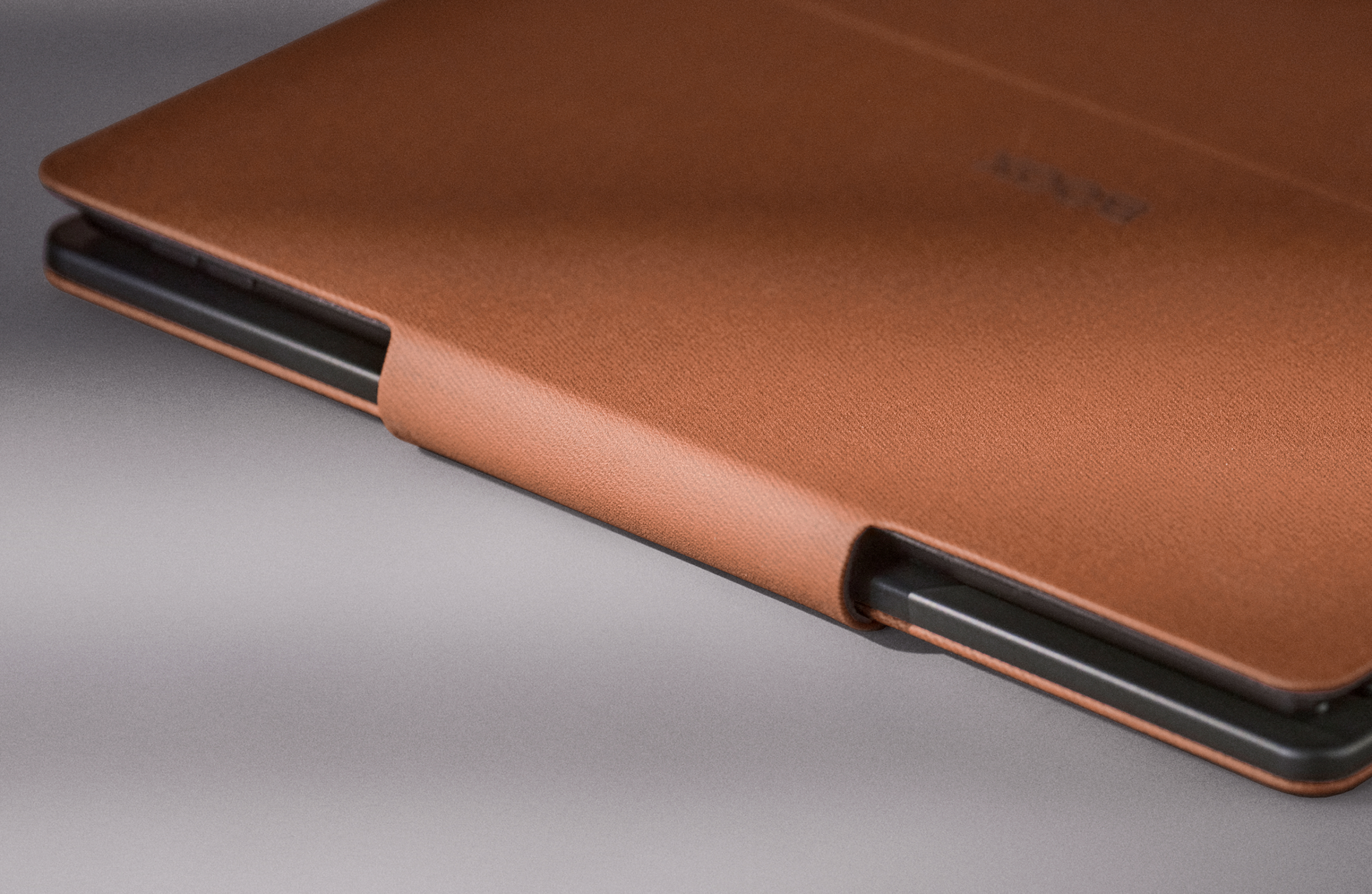
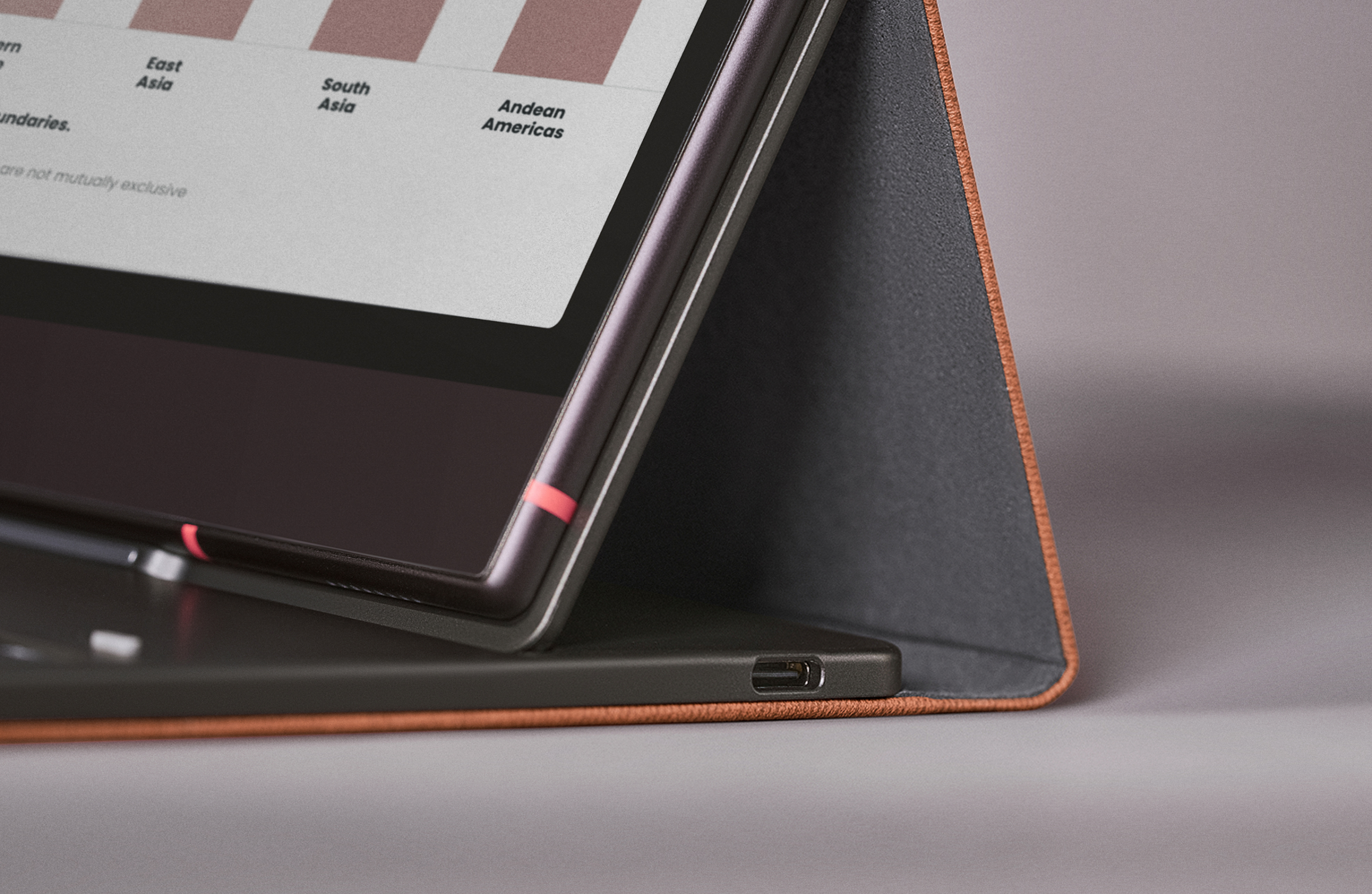
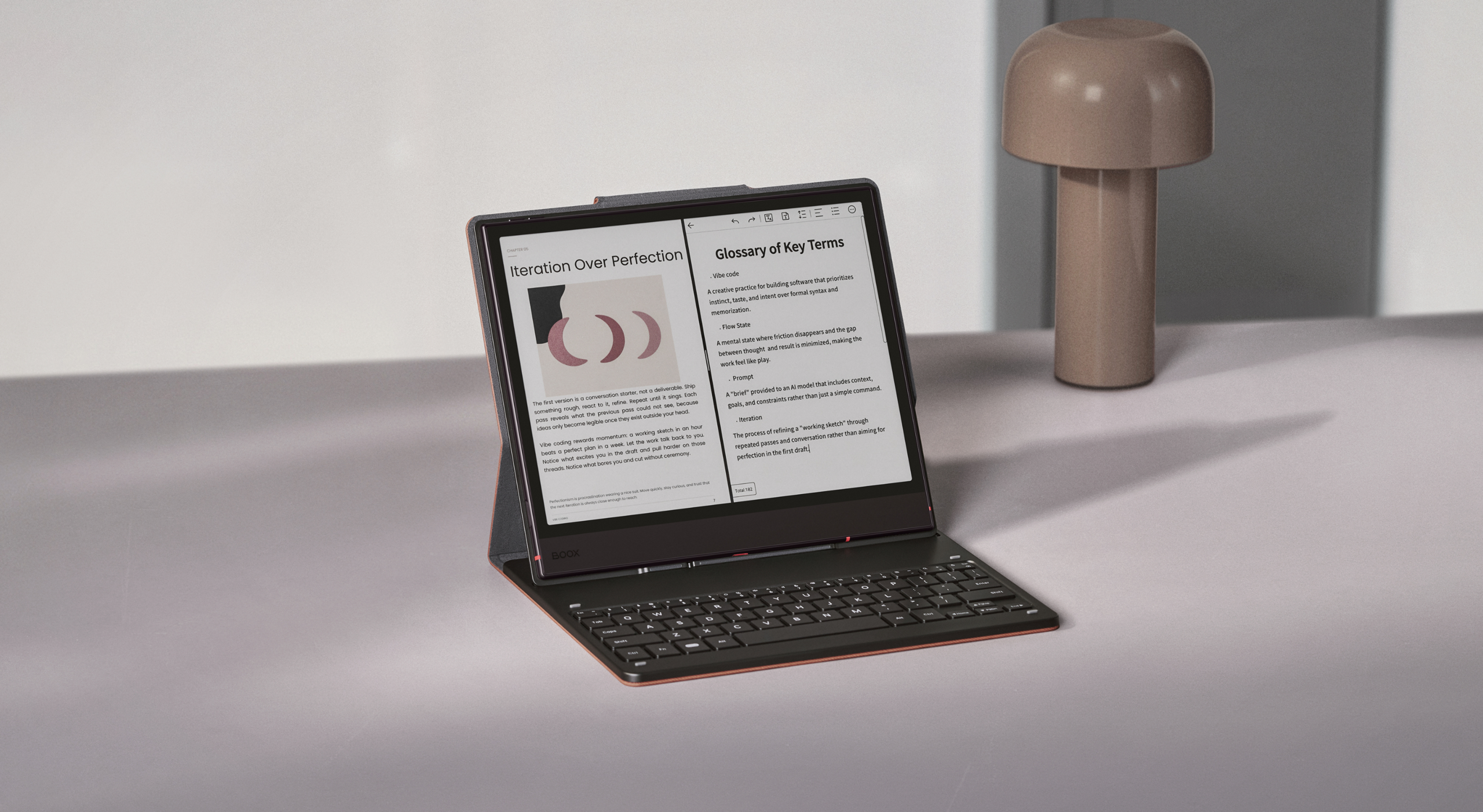
Made for quick typing tasks like document editing or paper drafting. The magnetic keyboard cover delivers a smooth, fast typing experience in a sleek, unified design, with 14 top-row shortcut keys and a USB-C pass-through charging port for your ePaper notebook.
Keyboard cover is not included in the device-only or BOOX Magnetic Cover packages.
Built for your intellectual thinking

- Compact layout: 64 essential keys, with support for more than 40 language layouts through the device software.
- Snap to type: Attach through the pogo-pin connection and start typing without extra setup.
- Everyday shortcuts: Quickly select, copy and paste text, and handle common tasks with keyboard shortcuts.
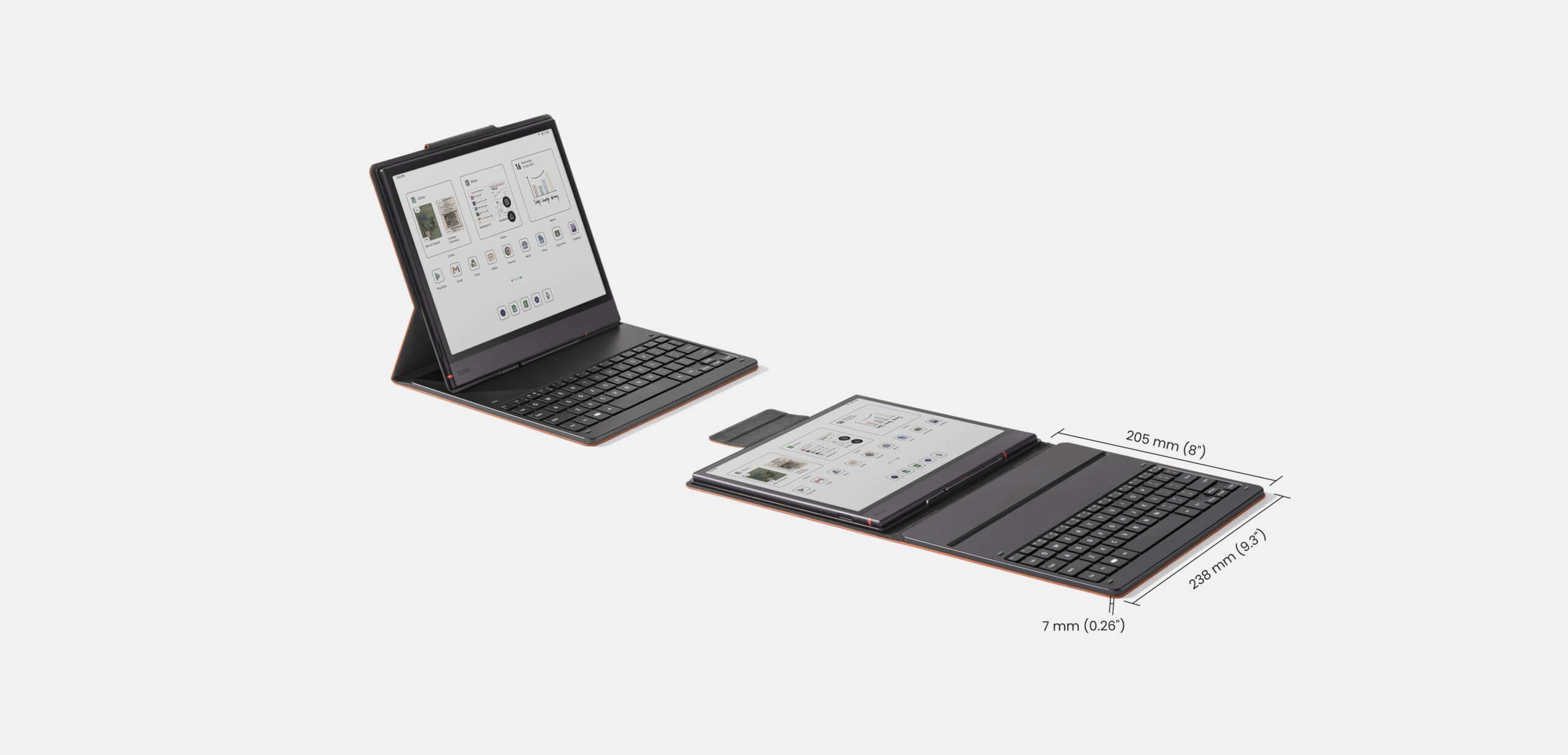
Dimensions: 238 × 205 × 7 mm (9.3 × 8 × 0.26 inches)
Weight: Approximately 485 g (17 oz)
Compatibility: BOOX Note Air6 C and Note Air5 C
Smooth and efficient typing
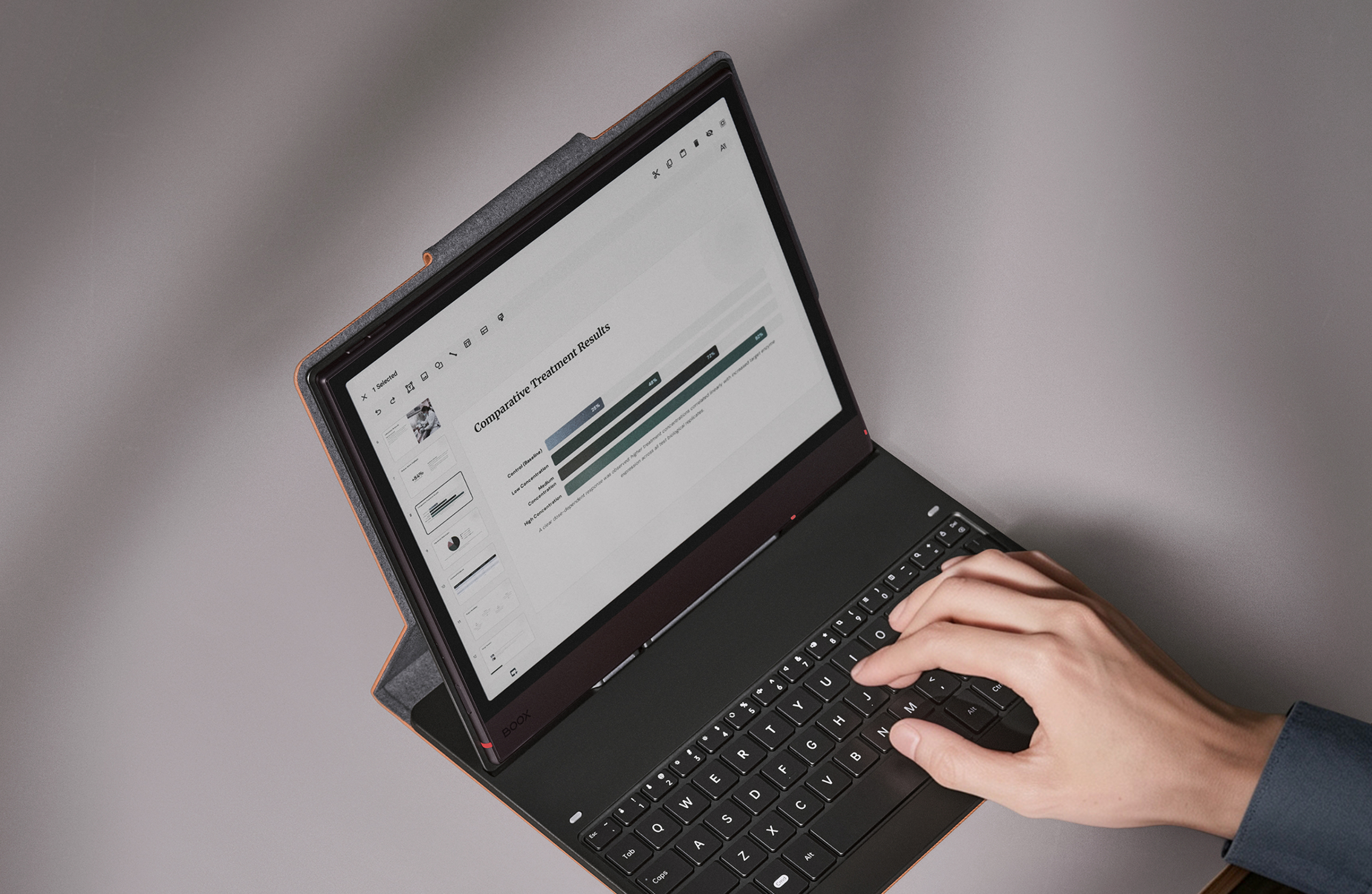
The keyboard features 1.25 mm key travel for a lightly elastic typing feel during desk sessions.
Any-spot typing for commuters
The unified magnetic flap keeps the device closed on the move. Raised silicone pads help prevent screen scratches and key smudges.

Keep typing for all-day research
The built-in USB-C pass-through port lets you power your ePaper notebook while you work.
For the best typing experience, update to the latest BOOX firmware and set the refresh mode to Smooth.
Build up your knowledge with crafted insights
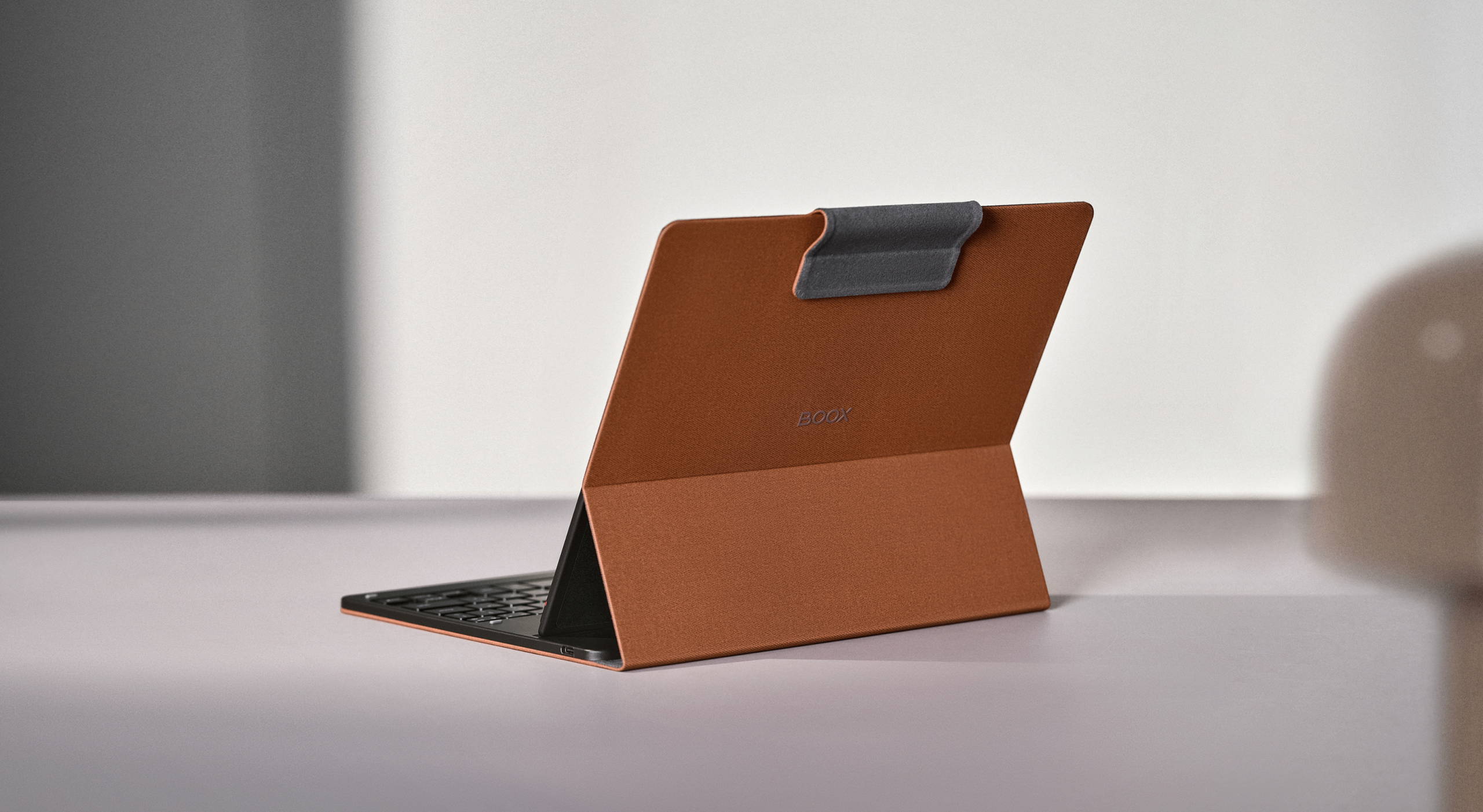
Turn fragmented thoughts into structured thinking, whether drafting papers or arranging your research agenda.
Product notes
BOOX offers 10GB of free Onyx cloud storage per Onyx account and free firmware updates for more than three years from a model’s launch date.
Individual experiences with digital eye strain may differ. Take regular breaks and maintain balanced screen time.
The screen protector is essential to the paper-like writing and reading experience. BOOX does not recommend removing it; contact customer support for assistance.
[1] Continuous or high-brightness front light use increases power consumption and reduces battery run time.
[2] Note Air6 C uses an upgraded octa-core processor built on a 4 nm process node.
[3] BOOX Super Refresh Technology (BSR) is BOOX’s proprietary technology for improving ePaper refresh performance and image quality.
[4] Dual Notes requires the latest BOOX firmware and a device that supports split-screen view.
[5] Adjustable pressure sensitivity for the pen brush requires the latest BOOX firmware.
[6] Template Hub requires network connectivity and the latest BOOX firmware.
[7] The updated Lasso tool requires the latest BOOX firmware.
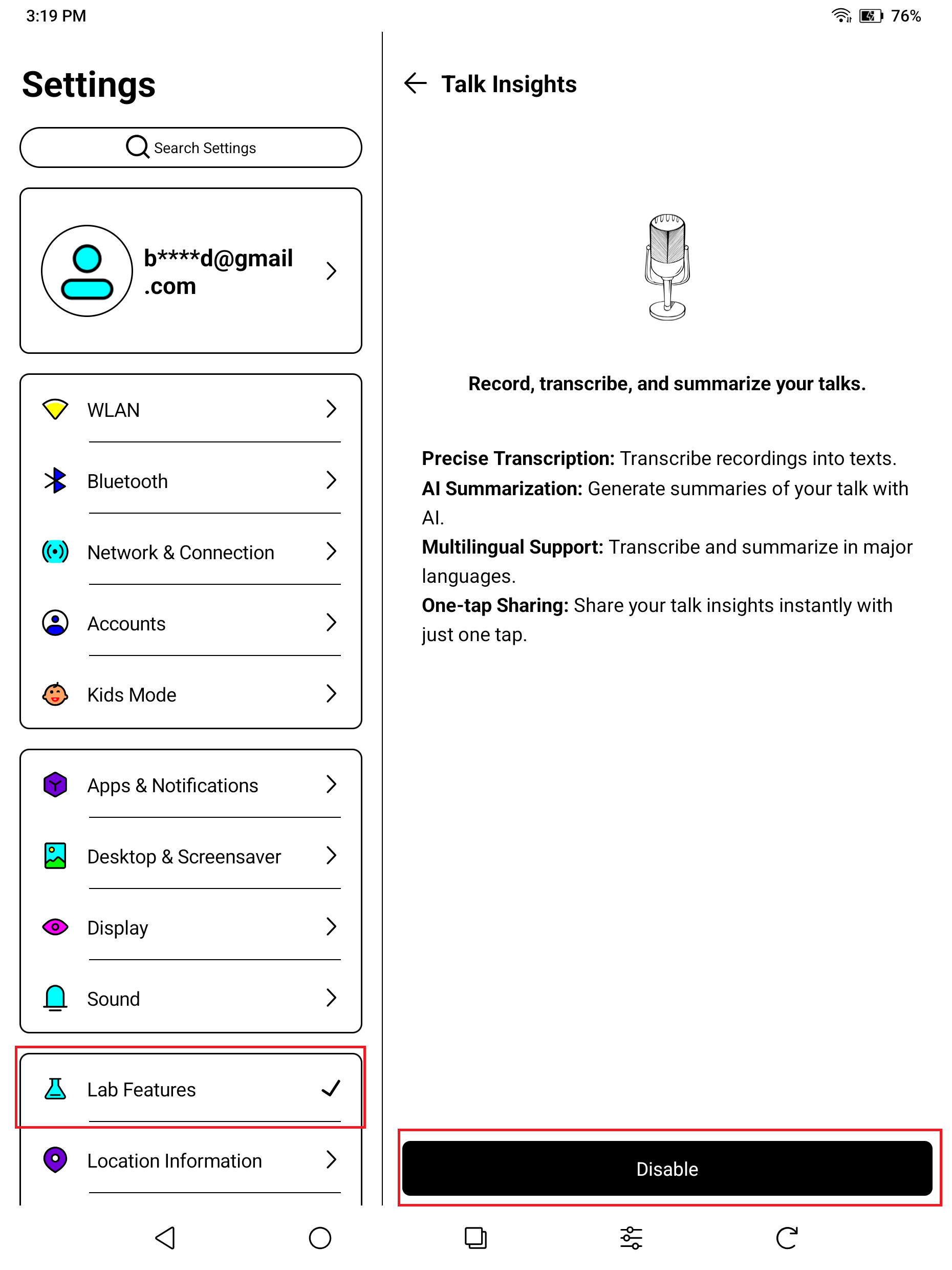
[8] BOOX now offers built-in Talk Insights for transcription and meeting minutes on compatible updated firmware. Its current support list of countries in selected regions, including the US, Canada, Australia, New Zealand, Japan, South Korea, Taiwan, Hong Kong, Singapore, Malaysia, Thailand, Vietnam, Indonesia, Brunei, Mexico, Brazil, Argentina, Chile, Colombia, Saudi Arabia, United Arab Emirates, Israel, Qatar, Kuwait, Bahrain, Oman, and the October 2026 firmware announcement specifies 13 transcription languages namely English, Chinese, Cantonese, Spanish, French, Arabic, Brazilian Portuguese, Japanese, Korean, Indonesian, Thai, Vietnamese and Malay. Talk Insights requires an internet connection and the latest BOOX firmware. Refer to the user guide for the full supported list. Recording quality varies with environment, speaker volume and device distance. Enable the feature through Settings > Lab Features.
[9] Supported formats include PDF, CAJ, DJVU, CBR, CBZ, EPUB, EPUB3, AZW3, MOBI, TXT, DOC, DOCX, FB2, CHM, RTF, HTML, ZIP, PRC, PPT and PPTX, plus PNG, JPG, BMP, TIFF, WAV and MP3. Update to the latest firmware for the best experience.
[10] Dark Mode is available in NeoReader.
[11] AI Assistant answers are for reference only.
[12] BOOX EinkWise Code requires the latest BOOX firmware.
[13] The new Calendar Memo requires the latest BOOX firmware.
[14] BOOXDrop supports two-way transfers between BOOX devices, computers and mobile devices over a local network.
[15] Sync book annotations and notes to Onyx cloud and view them at push.boox.com (US server), eur.boox.com (EU server), or in the BOOX Assistant mobile app.
Images are for illustration. The actual product and firmware serve as the standard.
Find the Color ePaper that Suits You Best
| Feature | Note Air5 C | Note Air6 C | Note Mini C |
|---|---|---|---|
| Price | RM2,588 | RM2,488 | |
| Display size | 10.3 inches | 10.3 inches | 8.52 inches |
| Screen technology | Kaleido 3 | Kaleido 3 | Kaleido 3 |
| Pixel density | 300 ppi monochrome / 150 ppi color | 300 ppi monochrome / 150 ppi color | 300 ppi monochrome / 150 ppi color |
| Processor | Octa-core | Upgraded octa-core | Upgraded octa-core |
| BOOX Super Refresh | Yes | Yes | Yes |
| Adjustable front light | Yes | Yes | Yes |
| microSD slot | Yes | Yes | Yes |
| Fingerprint unlock | Yes | Yes | Yes |
| Automatic rotation | Yes | Yes | Yes |
| RAM / storage | 6GB / 64GB | 6GB / 64GB | 6GB / 64GB |
| Battery capacity | 3700 mAh | 3700 mAh | 3150 mAh |
| Compatible stylus | BOOX magnetic stylus | BOOX magnetic stylus | BOOX InkSight active stylus |
| Magnetic Keyboard Cover support | Yes | Yes | No |
| Operating system | Android 15 | Android 16 | Android 16 |
| Google Play Store | Built in | Built in | Built in |
| Thickness | 5.8 mm | 5.8 mm | 6.0 mm |
| Approximate weight | 440 g | 440 g | 300 g |
Specifications: Official BOOX product comparison.
Additional information
| Weight | 1 kg |
|---|---|
| Dimensions | 22.6 × 19.3 × 0.58 cm |
| TCL Package | No Cover, Magnetic Brown Cover, Keyboard Cover, Magnetic Brown Cover + Keyboard Cover, Magnetic Dark Green Cover, Magnetic Dark Green Cover + Keyboard Cover, Magnetic Graphite Cover, Magnetic Umber Cover |
Related products
-
Sale!
BOOX Tab X C – 13.3″ Android 13 (128GB) color ePaper tablet
Price range: RM3,288.00 through RM4,088.00 -
[Pre-Order] BOOX Palma 3, 6.13-inch Mobile ePaper (128GB), Android 16
Price range: RM1,449.00 through RM1,799.00 -
Sale!
BOOX Go Color 7″ (Gen II), Android 13 eReader (64GB) with 4GB RAM & Octa-core Processor
Price range: RM1,299.00 through RM1,719.00
Products
-
[Pre-Order] BOOX Palma 3, 6.13-inch Mobile ePaper (128GB), Android 16
Price range: RM1,449.00 through RM1,799.00
-
![[Pre-Order]BOOX Picco 3.97-inch Pocket eReader (16GB microSD)](https://booxmalaysia.com/wp-content/uploads/2026/10/1_004f8439-0b2d-42cb-98fb-26feec2833f7-300x300.jpg) [Pre-Order]BOOX Picco 3.97-inch Pocket eReader (16GB microSD)
RM499.00
[Pre-Order]BOOX Picco 3.97-inch Pocket eReader (16GB microSD)
RM499.00
-
 BOOX Note Air6 C, 10.3" Color ePaper Notebook (64GB), Android 16
Price range: RM2,588.00 through RM3,608.00
BOOX Note Air6 C, 10.3" Color ePaper Notebook (64GB), Android 16
Price range: RM2,588.00 through RM3,608.00
-
 BOOX Go 6 (Gen II) Android eReader (32GB) with Monochrome Screen, Now Support InkSense Plus Stylus
Price range: RM849.00 through RM1,249.00
BOOX Go 6 (Gen II) Android eReader (32GB) with Monochrome Screen, Now Support InkSense Plus Stylus
Price range: RM849.00 through RM1,249.00
-
 BOOX Tappy Wireless Page Turner
Original price was: RM150.00.RM130.00Current price is: RM130.00.
BOOX Tappy Wireless Page Turner
Original price was: RM150.00.RM130.00Current price is: RM130.00.